
Can artificial intelligence create a complex mechanical model in Autodesk Fusion 360 using simple text instructions? Yes! With the help of Claude Desktop and the Model Context Protocol (MCP), you can connect AI directly to Autodesk Fusion 360 and explore a new way of creating 3D mechanical designs.
In this tutorial, we will demonstrate how to connect Claude Desktop with Autodesk Fusion 360 and use natural language prompts to create a centrifugal pump impeller. Instead of manually performing every modelling operation, you can provide instructions to Claude and let AI assist with the CAD modelling process.
By integrating Claude with Fusion 360 through MCP, you can communicate with your CAD software using text-based commands and automate selected modelling operations. This integration demonstrates how AI can support mechanical design workflows and make certain CAD tasks faster and more convenient.
What You Will Learn in This Tutorial
In this step-by-step tutorial, you will learn how to:
- Enable the Fusion MCP Server in Autodesk Fusion 360.
- Install and configure the Autodesk Fusion extension in Claude Desktop.
- Connect Claude Desktop with Autodesk Fusion 360.
- Use natural language prompts to communicate with Fusion 360.
- Create a centrifugal pump impeller using AI-assisted modelling instructions.
- Explore how AI can automate selected 3D modelling operations.
Software Used
Autodesk Fusion 360
For 3D mechanical design and modelling.
Claude Desktop
To generate and process natural language modelling instructions.
Model Context Protocol (MCP)
To establish communication between Claude and Fusion 360.
How Does Claude AI Work with Fusion 360?
The integration uses the Model Context Protocol (MCP), which allows Claude Desktop to communicate with compatible external tools and applications.
Once the connection is configured, Claude can send modelling instructions to Fusion 360 through the available MCP tools. Based on the supported operations and instructions, Fusion 360 can execute modelling tasks and generate 3D geometry.
For mechanical designers, engineers, and CAD enthusiasts, this opens up interesting possibilities for AI-assisted design and CAD automation.
Conclusion
Connecting Claude Desktop with Autodesk Fusion 360 demonstrates how artificial intelligence is beginning to change traditional CAD workflows. Creating a centrifugal pump impeller using text-based instructions is a practical example of how AI can assist with complex mechanical modelling tasks.
Although AI-assisted modelling still requires engineering knowledge, design validation, and careful checking of the generated geometry, it offers an exciting opportunity to make CAD workflows more interactive and efficient.
Explore the possibilities of AI-powered mechanical design and discover how natural language instructions can help simplify your 3D modelling workflow!
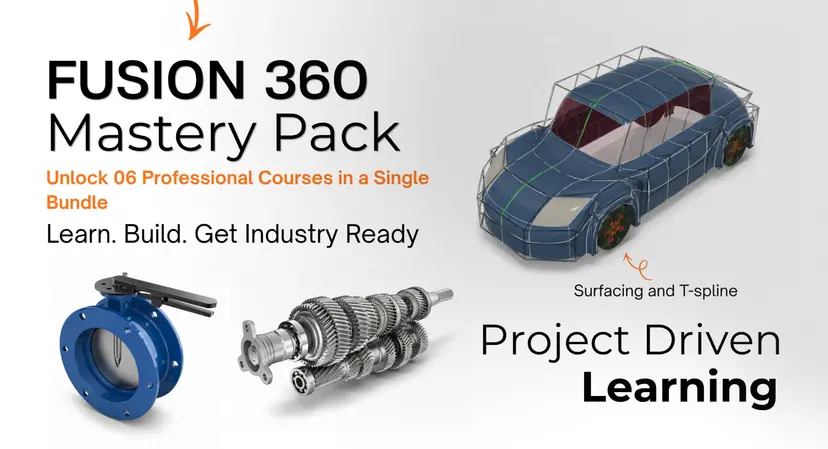
Fusion 360 Mastery Pack (6-in-1 Course Combo)
Learn industry-standard workflows including part modeling, assemblies, engineering drawings, sheet metal, surfacing, sculpting, rendering, animation, and real-world mechanical design projects.
Explore Course Pack → - 9853-360x220.png)
 - 9565-360x220.png)
 - 7807-360x220.png)
