
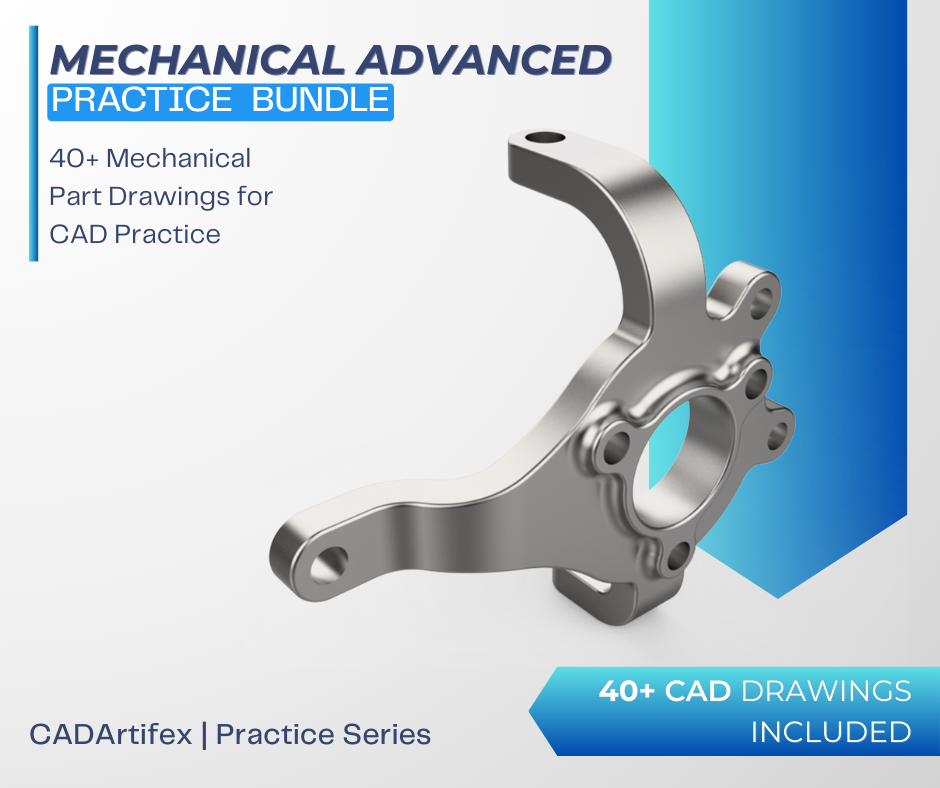
The Mechanical Advanced Practice Exercises Bundle is a comprehensive collection of 40+ intermediate and advanced mechanical part drawings designed to help students, engineers, and self-learners enhance their 3D modeling skills and build a more sophisticated design portfolio.
These exercises cover a wide variety of real-world mechanical parts, challenging users to analyze technical drawings and create accurate 3D models using any CAD software of their choice, including SOLIDWORKS, Fusion 360, Creo, FreeCAD, CATIA, Inventor, or Onshape. By practicing these exercises, learners can improve their modeling accuracy, problem-solving skills, and design thinking, while gaining confidence in handling advanced CAD features and techniques.
Whether you’re upgrading your CAD skills for professional projects, preparing for exams, or expanding your design portfolio, this bundle provides hands-on practice to help you take your mechanical modeling expertise to the next level. Start practicing today and transform your CAD abilities with confidence!
Lifetime access to exercises.
Includes all future updates and new exercises
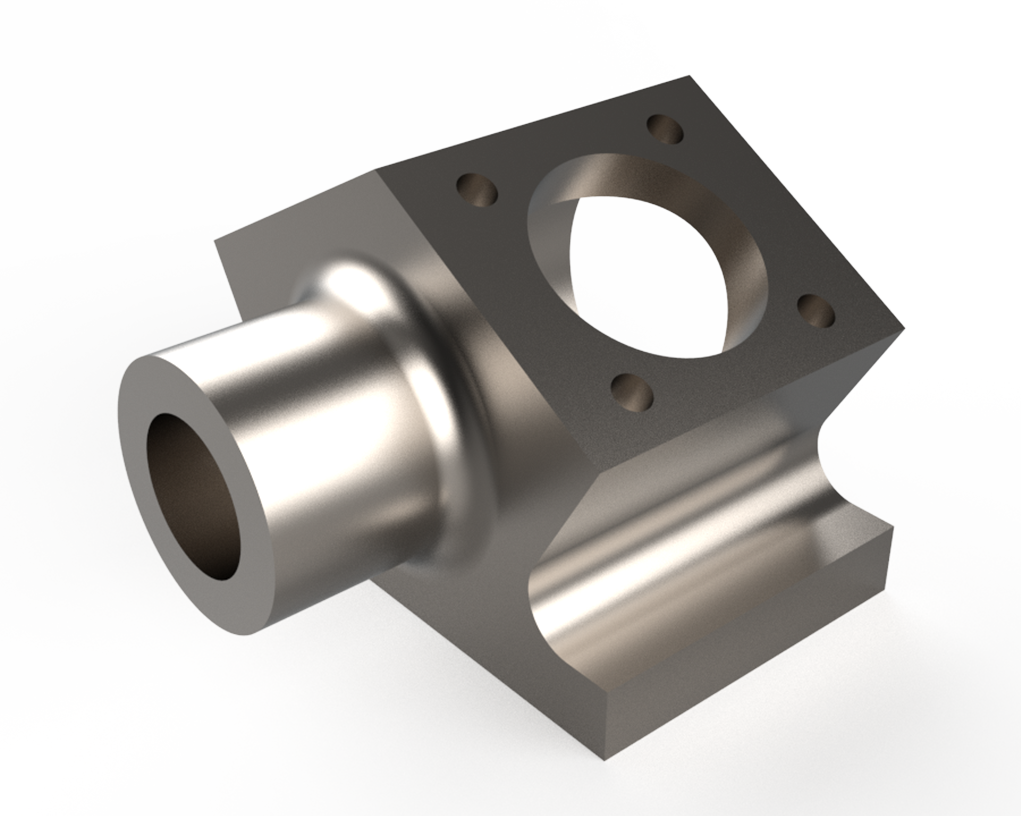
Model a Pillow Block Housing, a support component used to securely hold bearings and shafts in rotating machinery. This exercise helps you practice boss and pocket features, fillets, mounting holes, symmetry, and precise dimensioning, giving you hands-on experience in designing sturdy bearing support structures commonly found in mechanical systems.
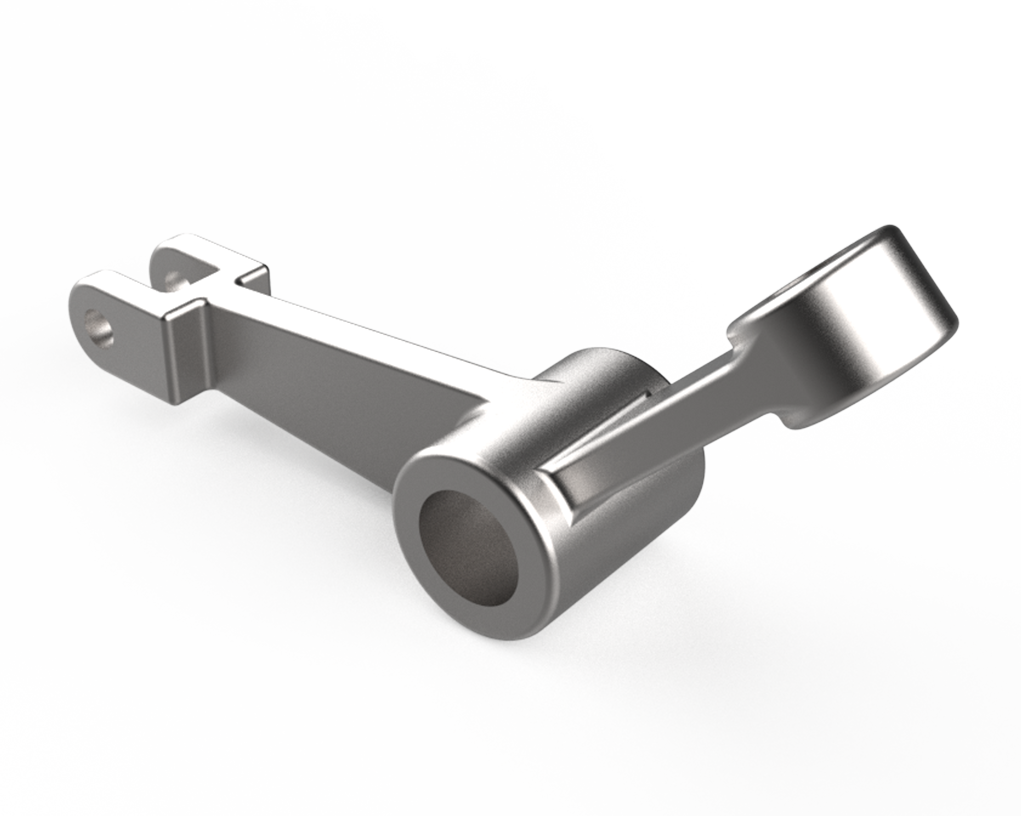
Design a Rocker Arm, a key linkage component used to transfer motion in engines and mechanical systems. This exercise helps you practice creating complex contours, holes, and smooth blended surfaces, improving your ability to model functional mechanical parts with accurate motion-control geometry.
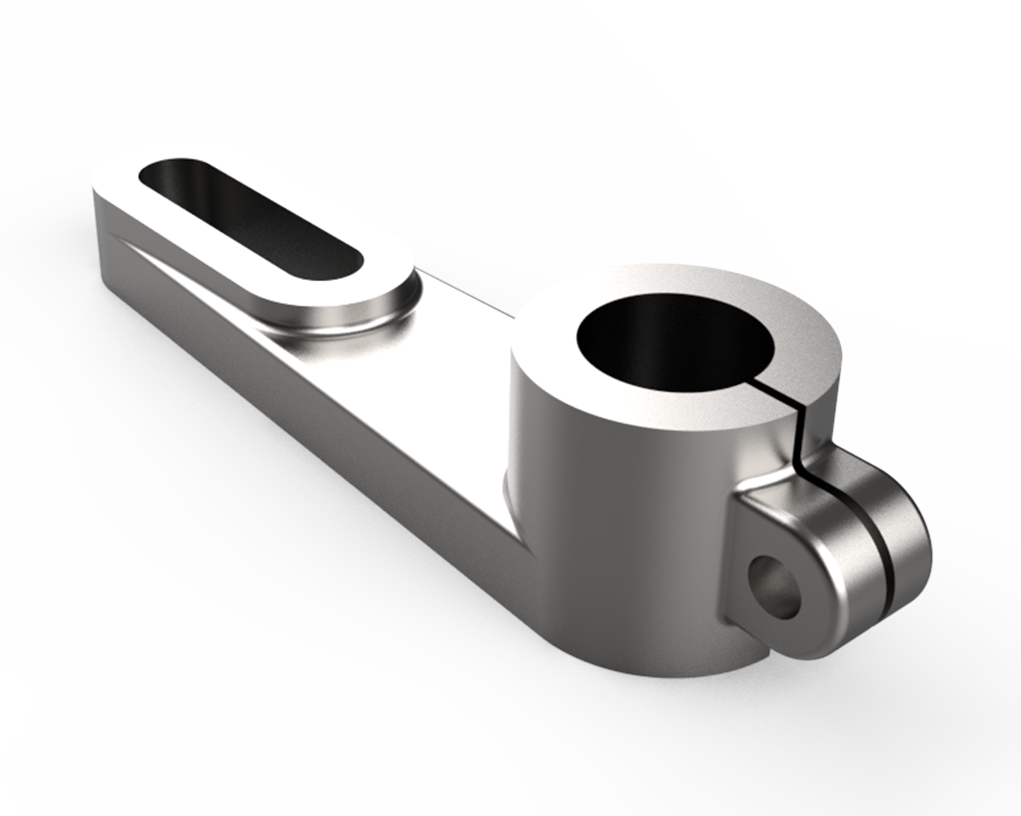
Model a Split Clamp Lever Arm, a commonly used component for securing shafts while allowing controlled movement or adjustment. This exercise helps you practice creating split features, clamp slots, fillets, holes, and lever profiles. It’s ideal for improving precision, feature planning, and overall real-world mechanical part modeling skills.
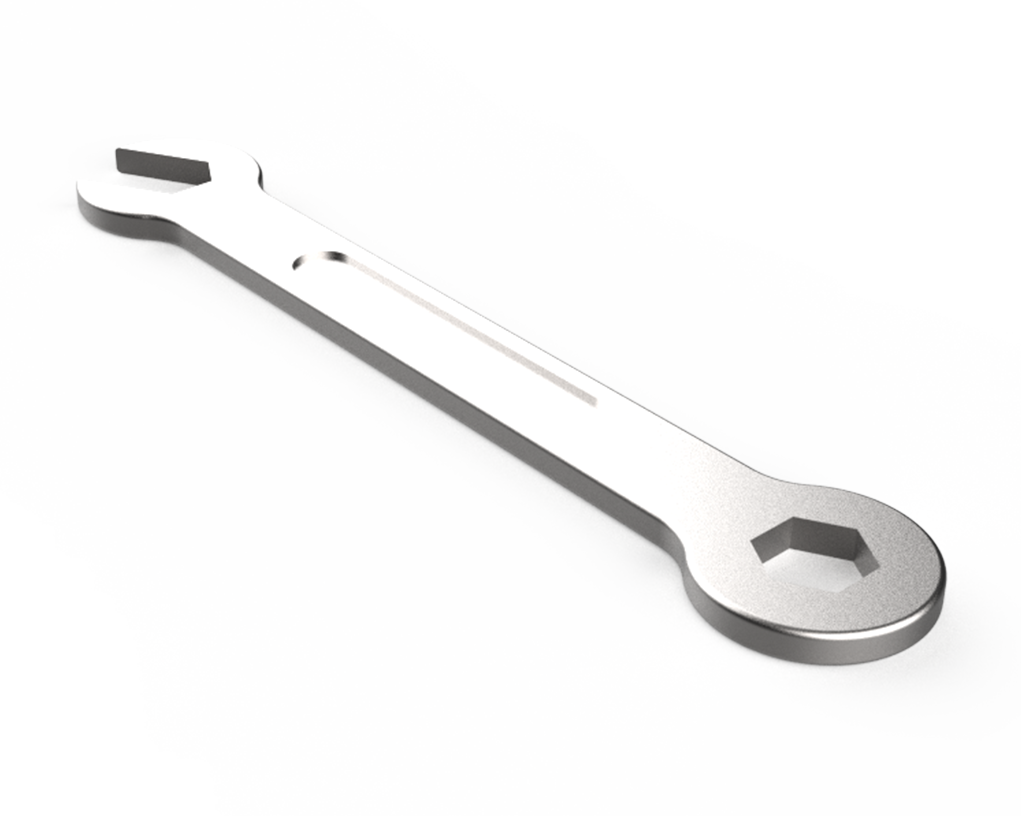
Model a Combination Wrench, a widely used hand tool featuring both open-end and box-end profiles. This exercise helps you practice creating complex curves, symmetric profiles, chamfers, and smooth transitions. It’s ideal for improving accuracy, shape modeling, and overall confidence in designing real-world tools using any CAD software.
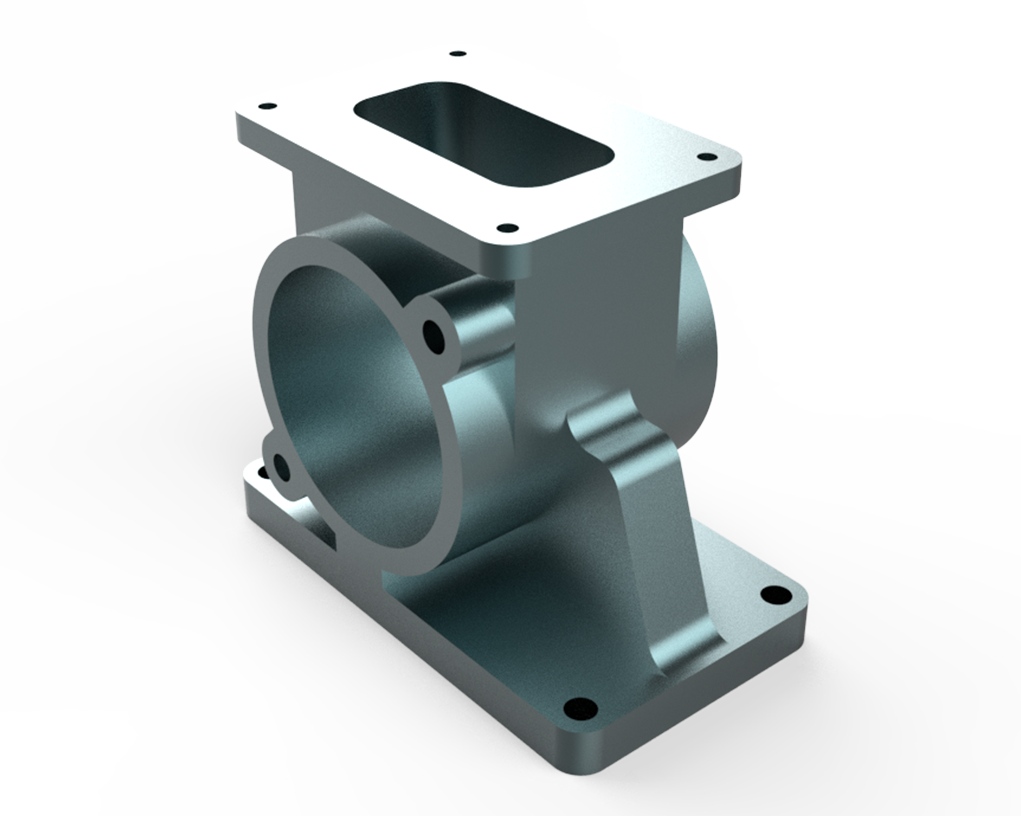
Model a Flanged Bearing Pedestal, a common support component used to hold and stabilize rotating shafts. This exercise helps you practice creating base flanges, mounting holes, curved supports, and precise bore features. It’s ideal for strengthening your skills in part modeling, alignment, and real-world mechanical design using any CAD software.
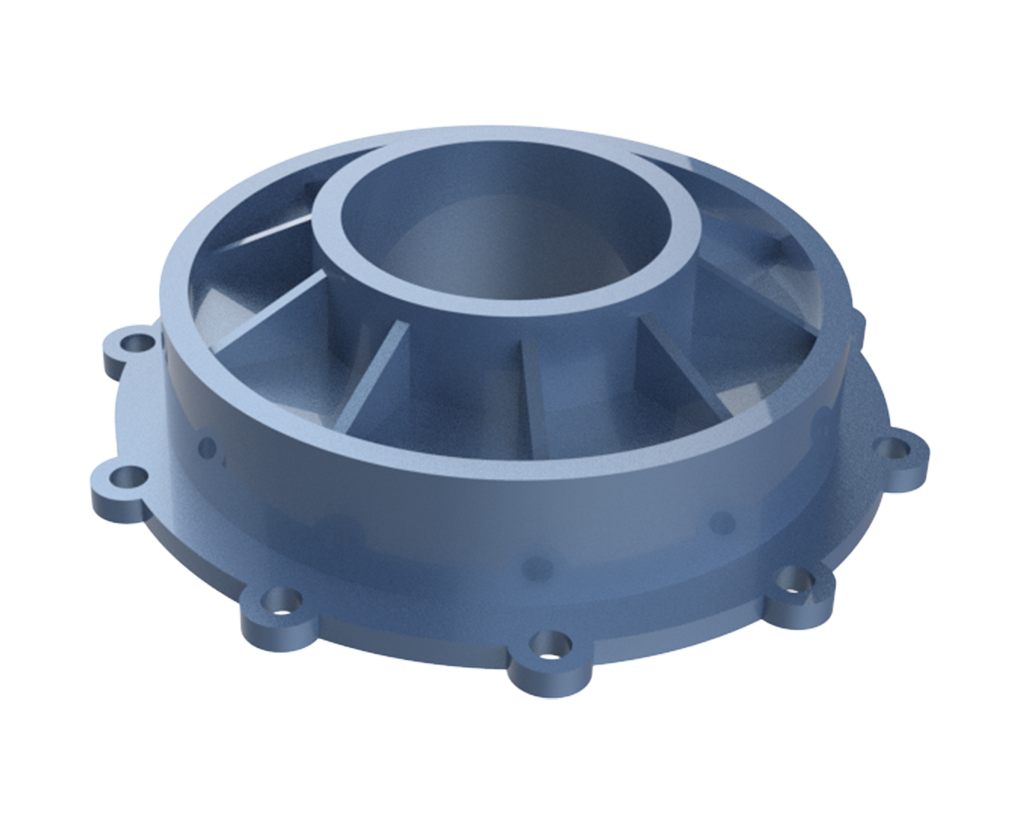
Model a Pump End Plate, a typical component used in pump assemblies to support shafts, seal openings, and maintain alignment. This exercise helps you practice creating circular profiles, bolt patterns, recesses, and precise cut features. It’s a great way to improve accuracy, feature planning, and overall mechanical part modeling skills in any CAD software.
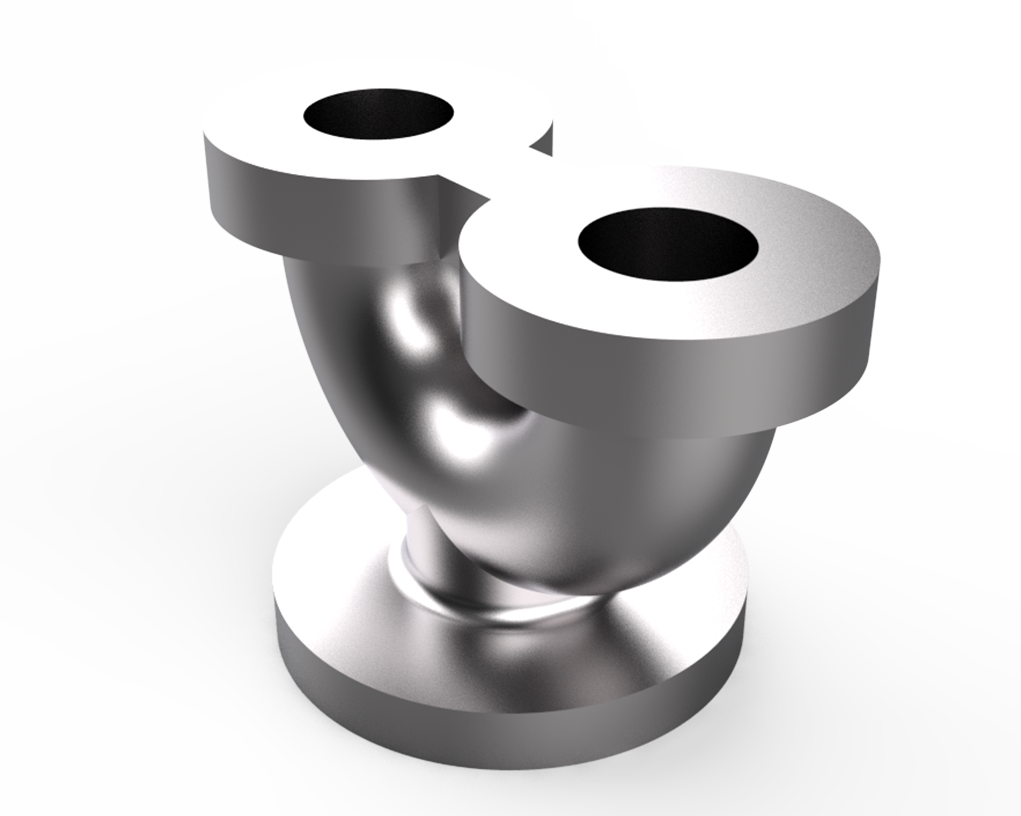
Model an Intake Manifold Elbow, a curved duct component used to guide airflow into an engine's intake system. This exercise helps you practice sweep paths, curved profiles, transitions, fillets, and flange features. It’s ideal for improving surface and solid modeling skills, understanding fluid-flow geometry, and building confidence in creating complex curved parts using any CAD software.
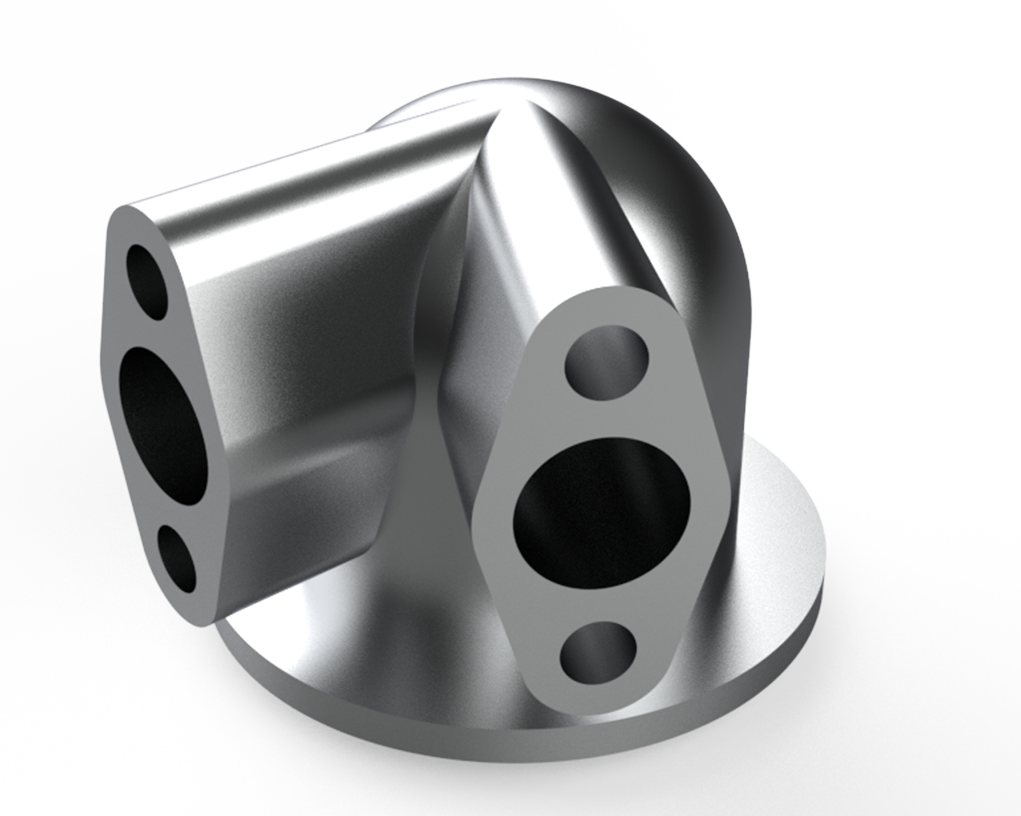
Model a Dual-Inlet Intake Elbow, a fluid-flow component designed to merge two inlet paths into a single outlet. This exercise helps you practice multi-profile sweeps, loft transitions, curved geometry, blending, and flange features. It’s ideal for strengthening your skills in creating smooth, complex shapes and functional duct components in any CAD software.
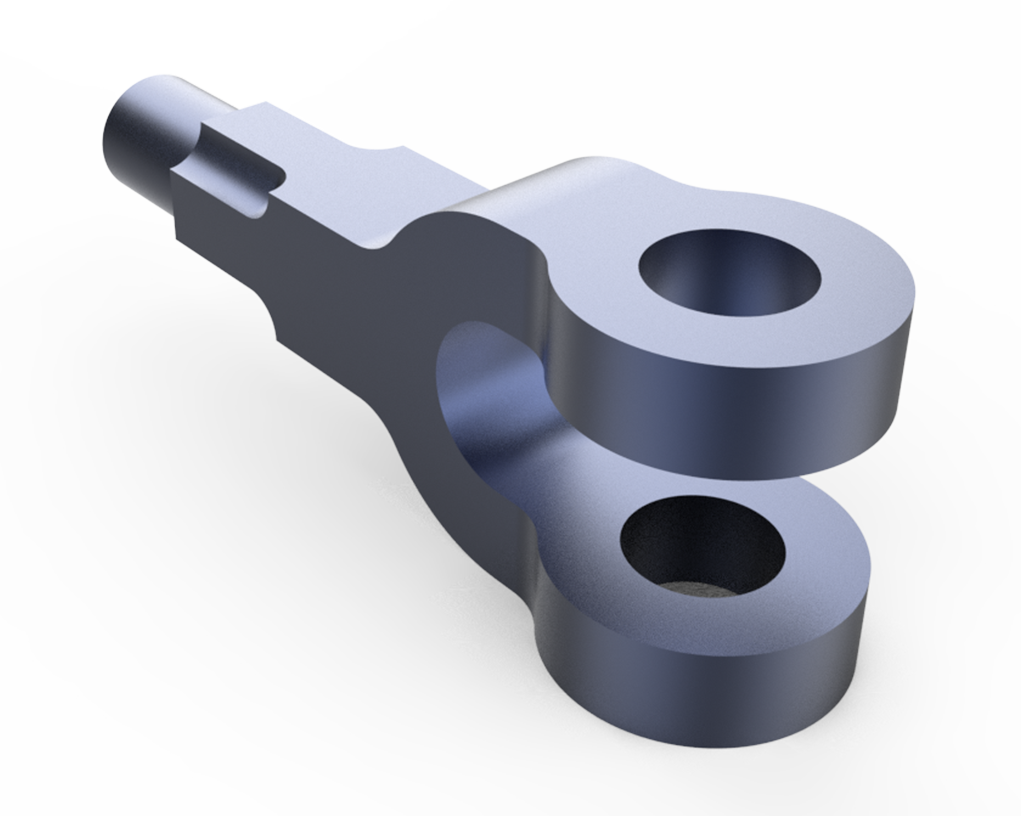
Model a Clevis Yoke, a U-shaped mechanical connector used to join rods or linkages via a pin. This exercise helps you practice sketching precise profiles, creating holes, adding fillets, and applying constraints. It’s ideal for strengthening your skills in modeling functional mechanical components in any CAD software.
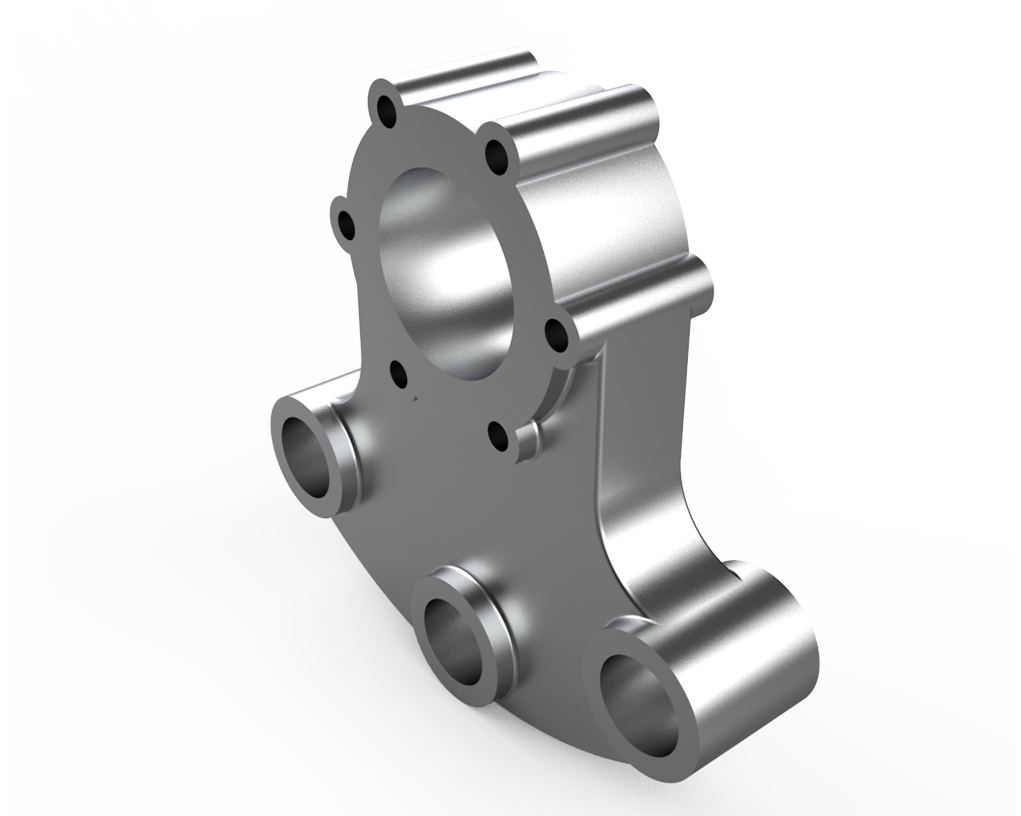
Model a Gearbox Mounting Bracket, a structural component used to securely attach a gearbox to a frame or base. This exercise helps you practice creating precise profiles, holes for fasteners, fillets, and chamfers. It’s ideal for strengthening your skills in modeling functional mechanical supports and mounting components in any CAD software.
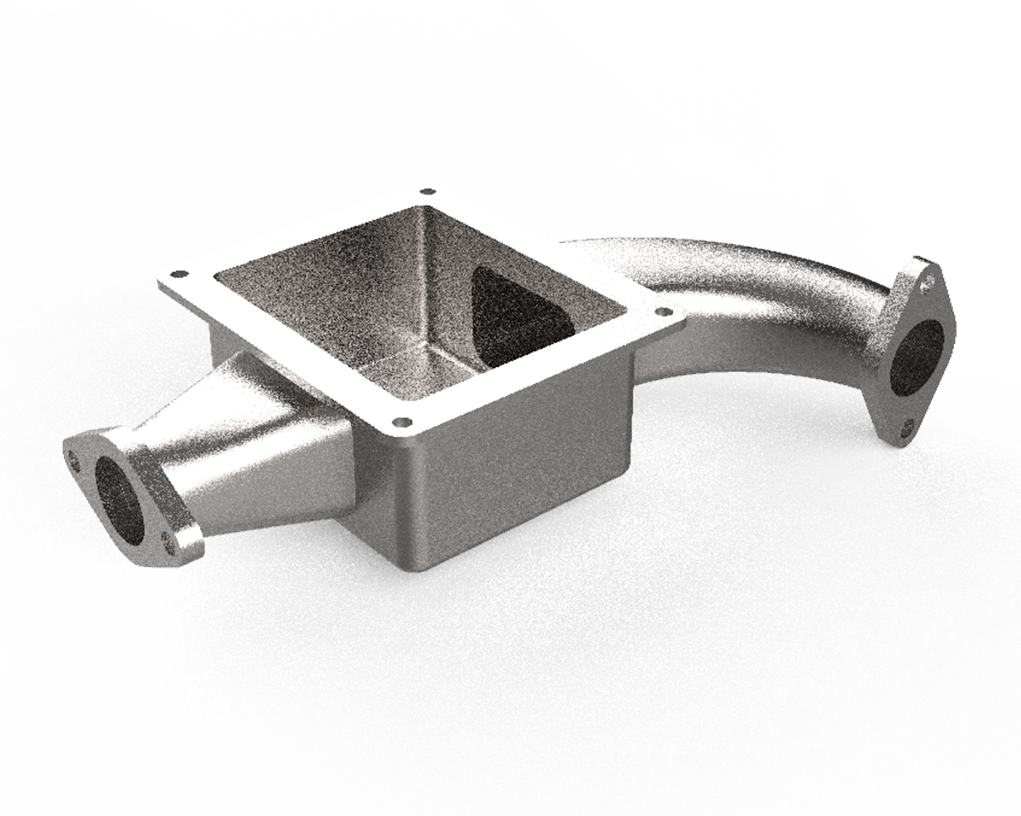
Model an Exhaust Manifold Collector, a component that merges multiple exhaust flows into a single outlet. This exercise helps you practice lofts, sweeps, curved geometry, fillets, and flange features. It’s ideal for strengthening your skills in modeling complex, fluid-flow components in any CAD software.
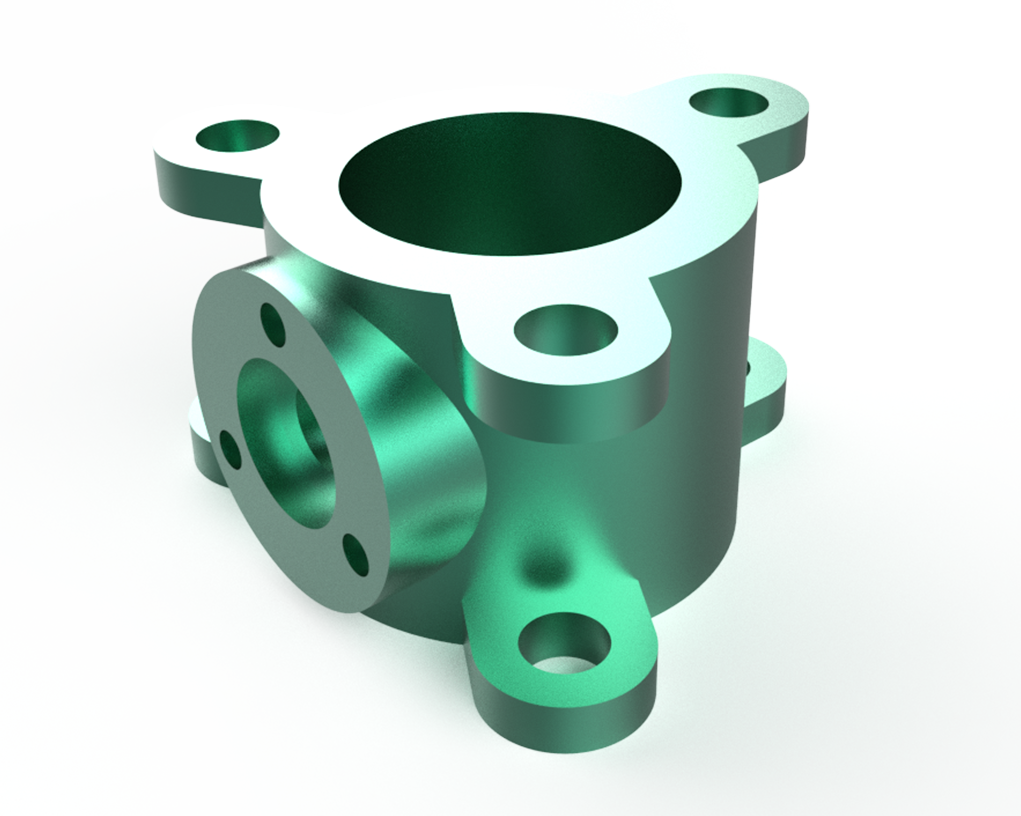
Model a Flanged Pipe Adapter, a connector used to join pipes or tubes with flanged ends. This exercise helps you practice creating precise profiles, flanges, holes, fillets, and assembly-ready features. It’s ideal for strengthening your skills in modeling functional piping components in any CAD software.
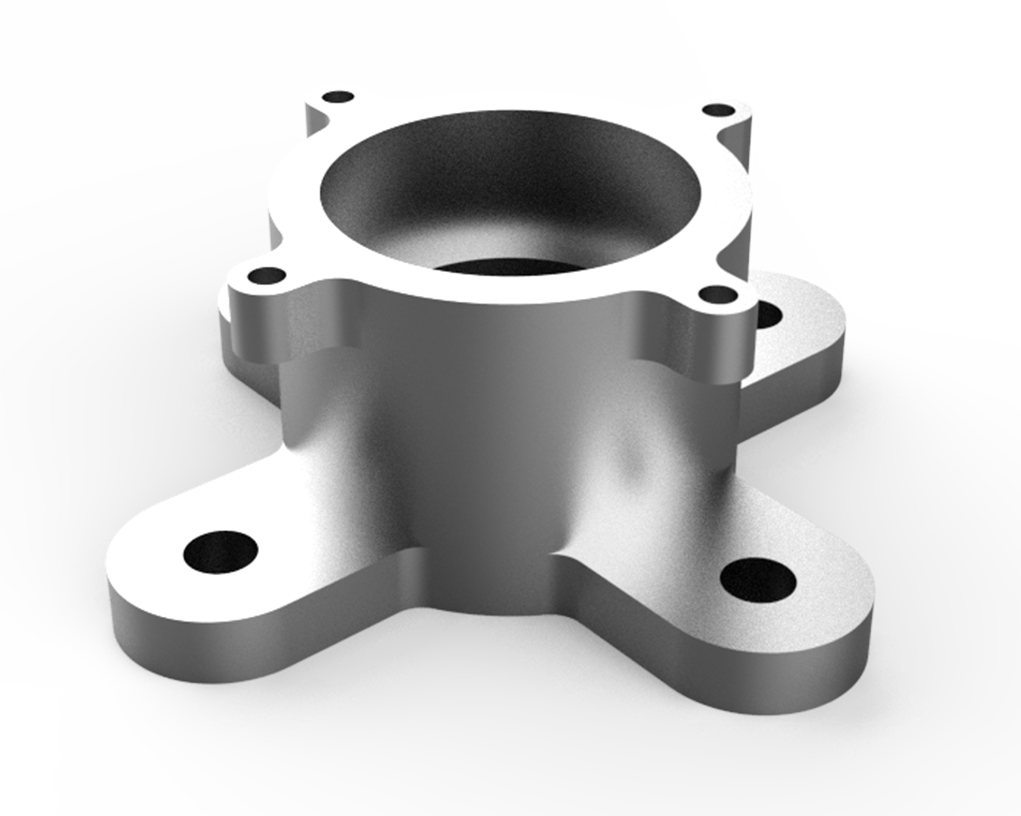
Model a Mounting Flange Adapter, a mechanical component used to attach equipment or assemblies to surfaces via flanged connections. This exercise helps you practice creating precise profiles, holes, fillets, and chamfers. It’s ideal for strengthening your skills in modeling functional mounting components in any CAD software.
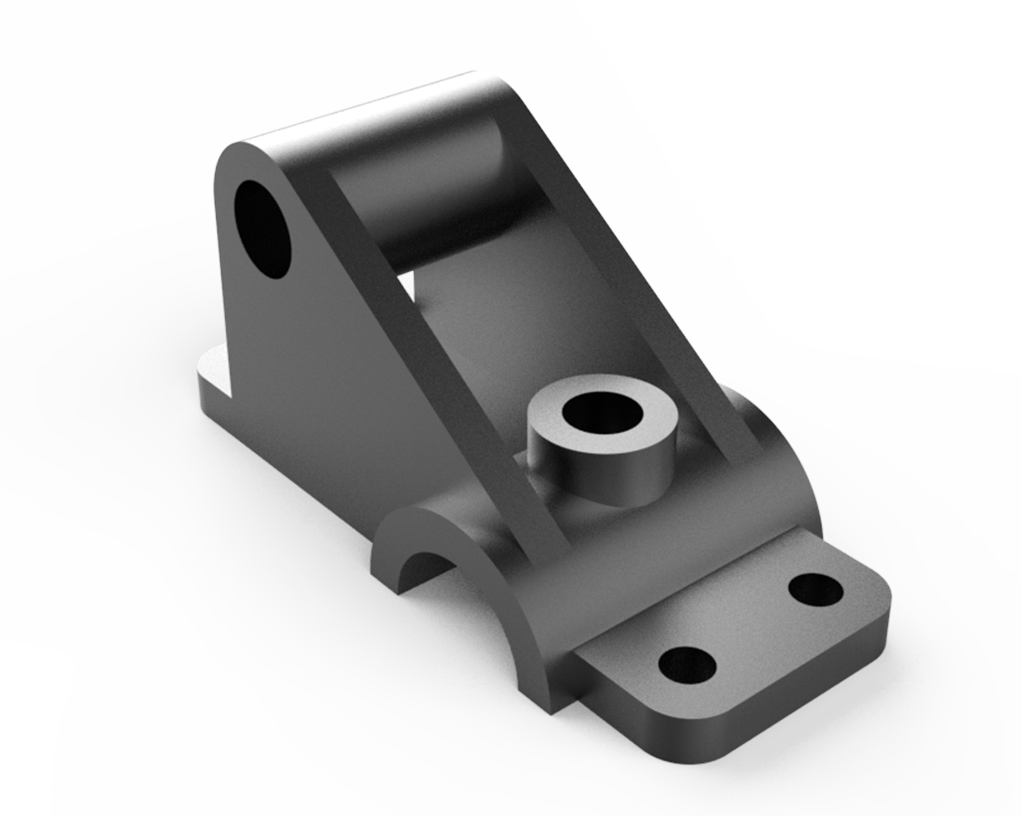
Model a Hinge Support Bracket, a structural component used to mount and support hinges in assemblies. This exercise helps you practice creating precise profiles, holes, fillets, and chamfers. It’s ideal for strengthening your skills in modeling functional mechanical supports in any CAD software.
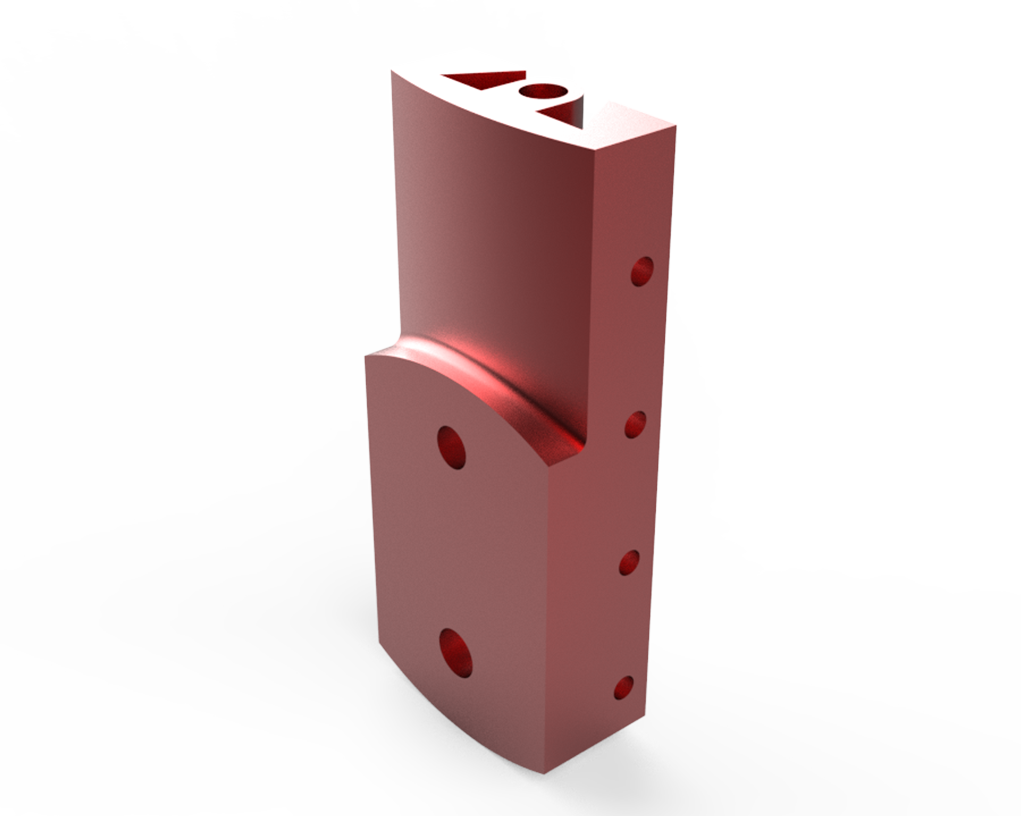
Model a Hinge Leaf Plate, a flat mechanical component used as part of a hinge assembly to connect doors or panels. This exercise helps you practice creating precise profiles, holes, fillets, and chamfers. It’s ideal for strengthening your skills in modeling functional hinge components in any CAD software.
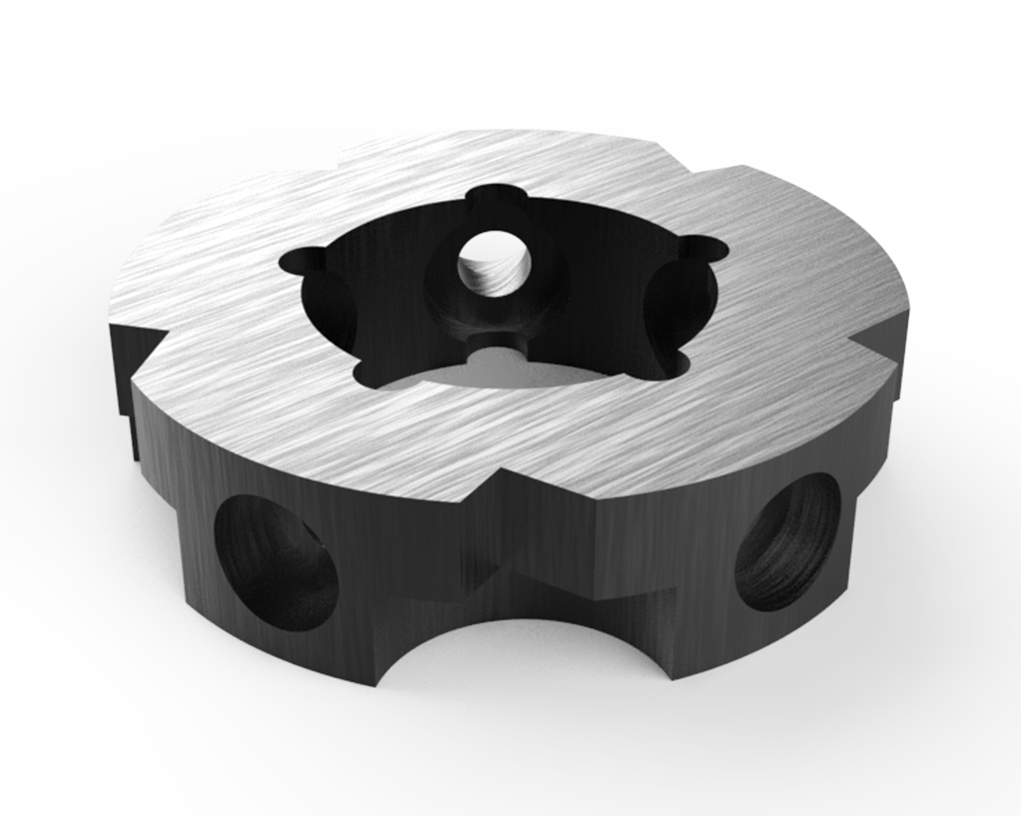
Model a Gearbox Coupling Hub, a mechanical component used to connect shafts and transmit torque between a gearbox and driven equipment. This exercise helps you practice creating precise cylindrical profiles, keyways, fillets, and holes. It’s ideal for strengthening your skills in modeling functional rotational components in any CAD software.
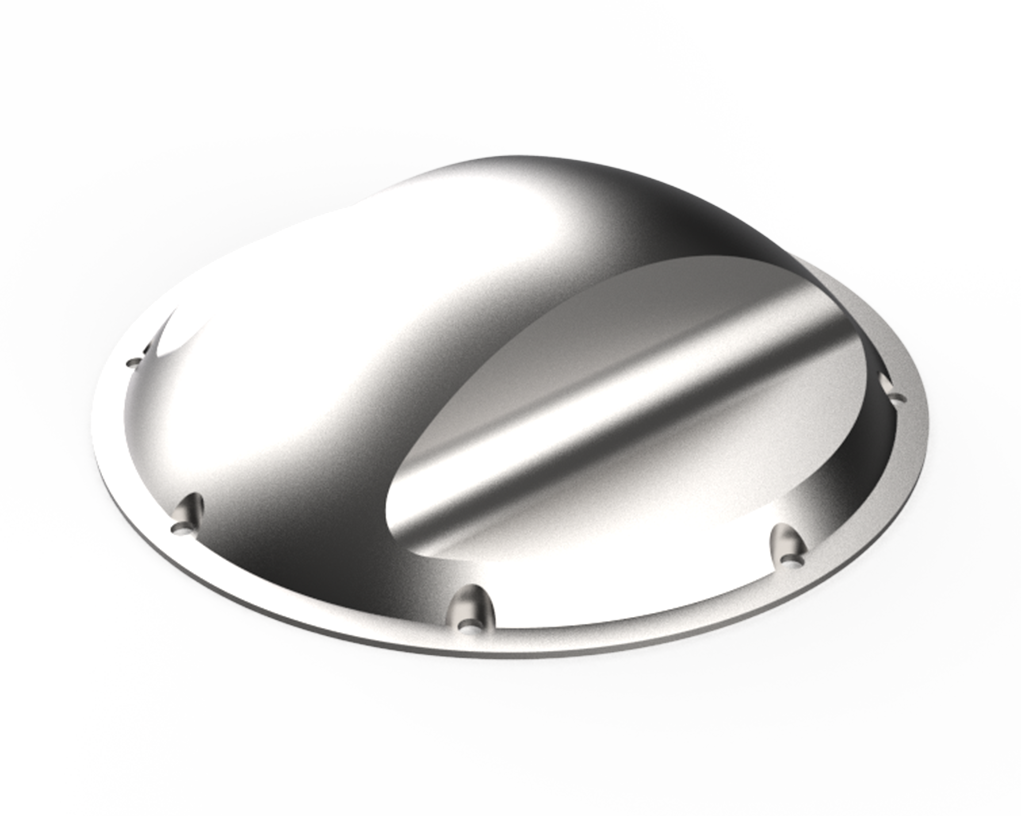
Model a Gearbox Vent Cover Hub, a component designed to protect and ventilate a gearbox while allowing airflow. This exercise helps you practice creating precise profiles, holes, fillets, and mounting features. It’s ideal for strengthening your skills in modeling functional protective components in any CAD software.
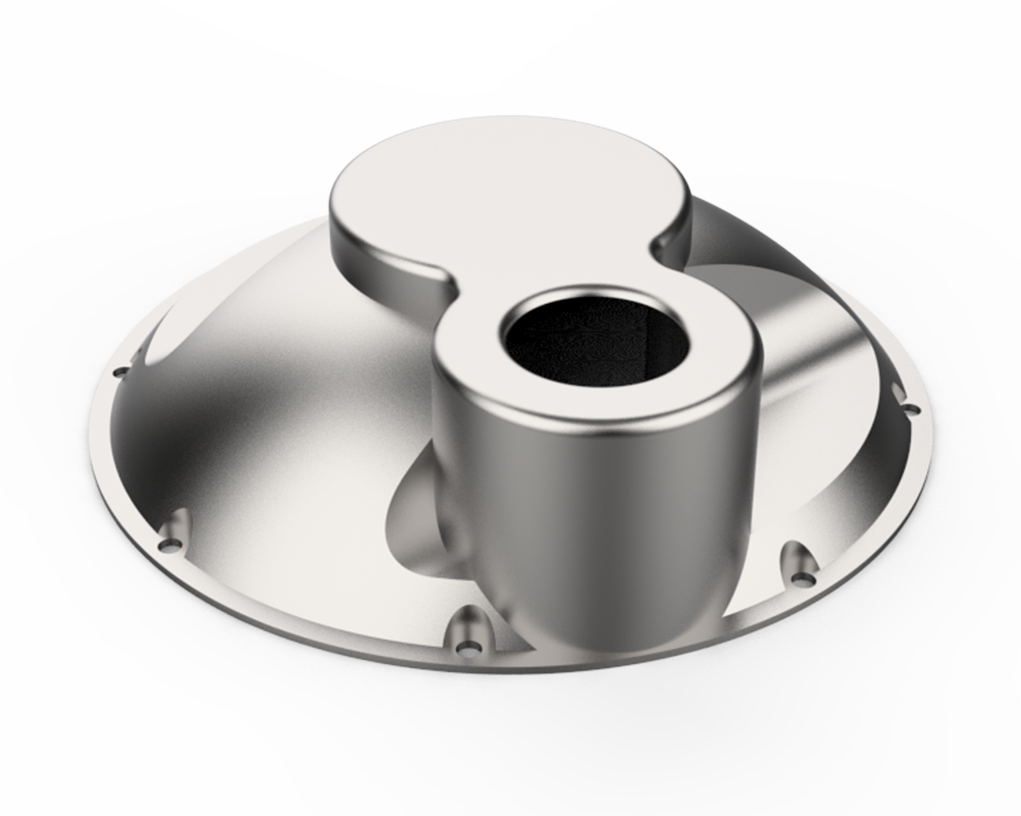
Model a Gearbox Vent Inlet Cover, a component designed to allow controlled airflow into a gearbox while providing protection from contaminants. This exercise helps you practice creating precise profiles, holes, fillets, and mounting features. It’s ideal for strengthening your skills in modeling functional mechanical covers in any CAD software.
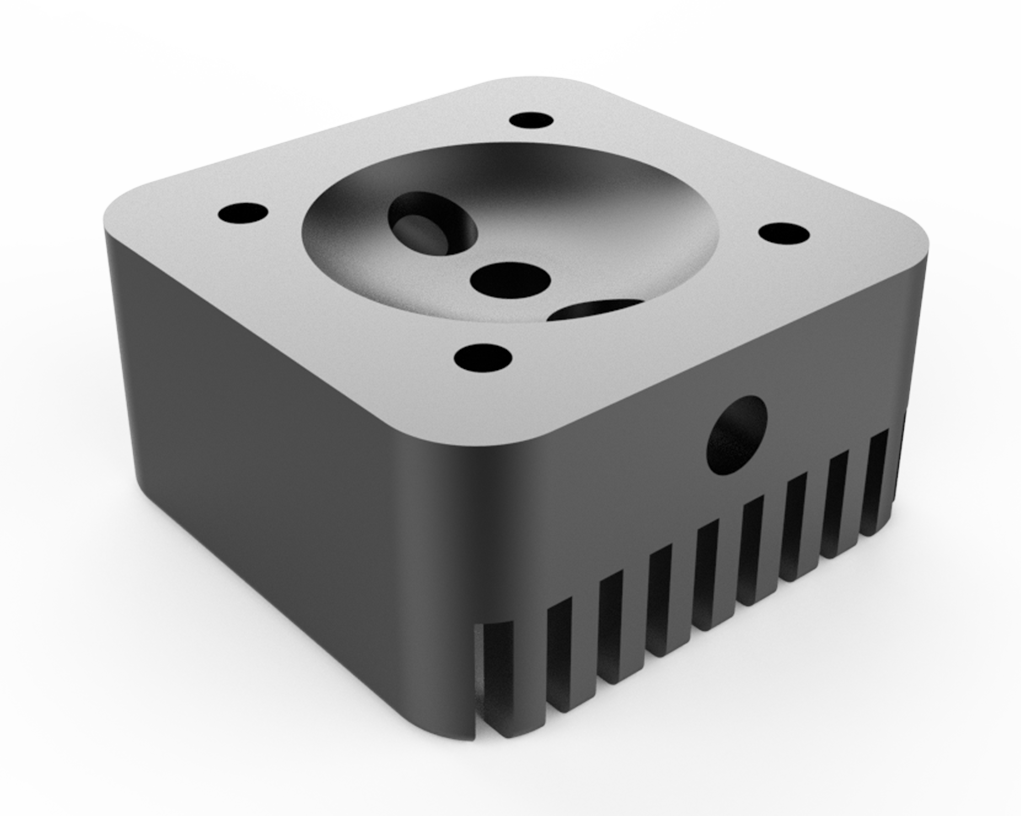
Model a Cooling Finned Cylinder Head, a component designed to dissipate heat from engines or mechanical systems using fins. This exercise helps you practice creating complex profiles, patterns, fillets, and mounting features. It’s ideal for strengthening your skills in modeling functional thermal management components in any CAD software.
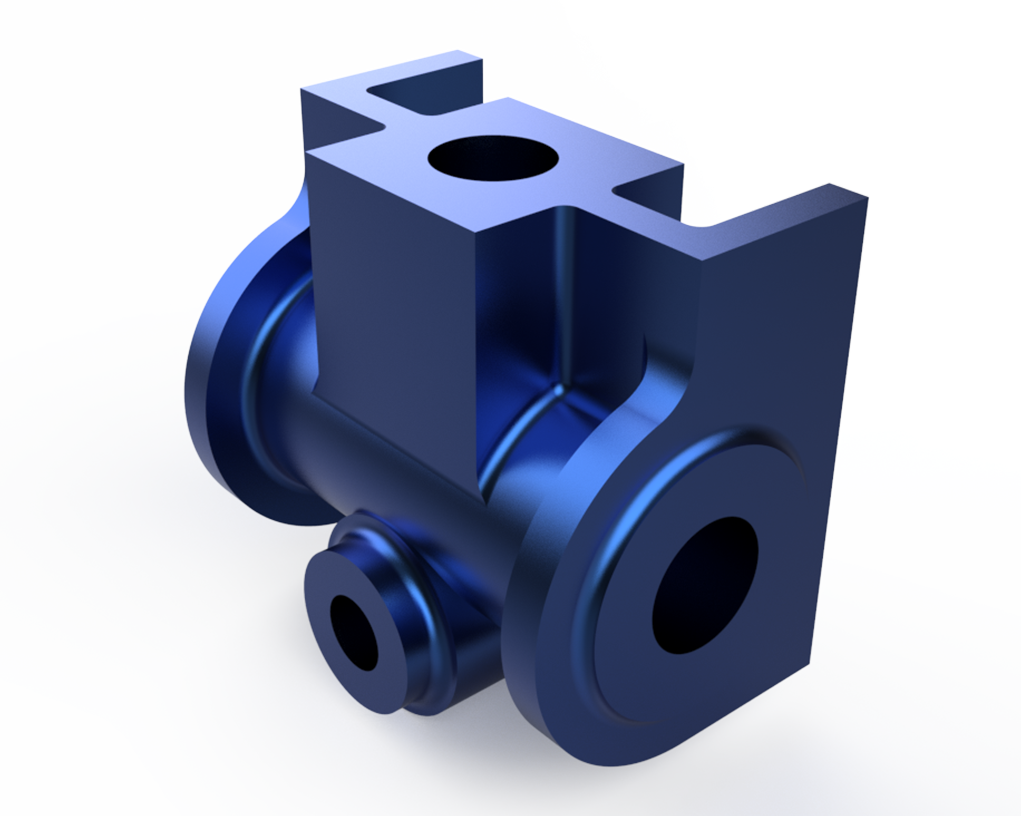
Model a Rod End Mount Bracket, a mechanical component used to support and secure rod ends in linkages or assemblies. This exercise helps you practice creating precise profiles, holes, fillets, and mounting features. It’s ideal for strengthening your skills in modeling functional mechanical supports in any CAD software.
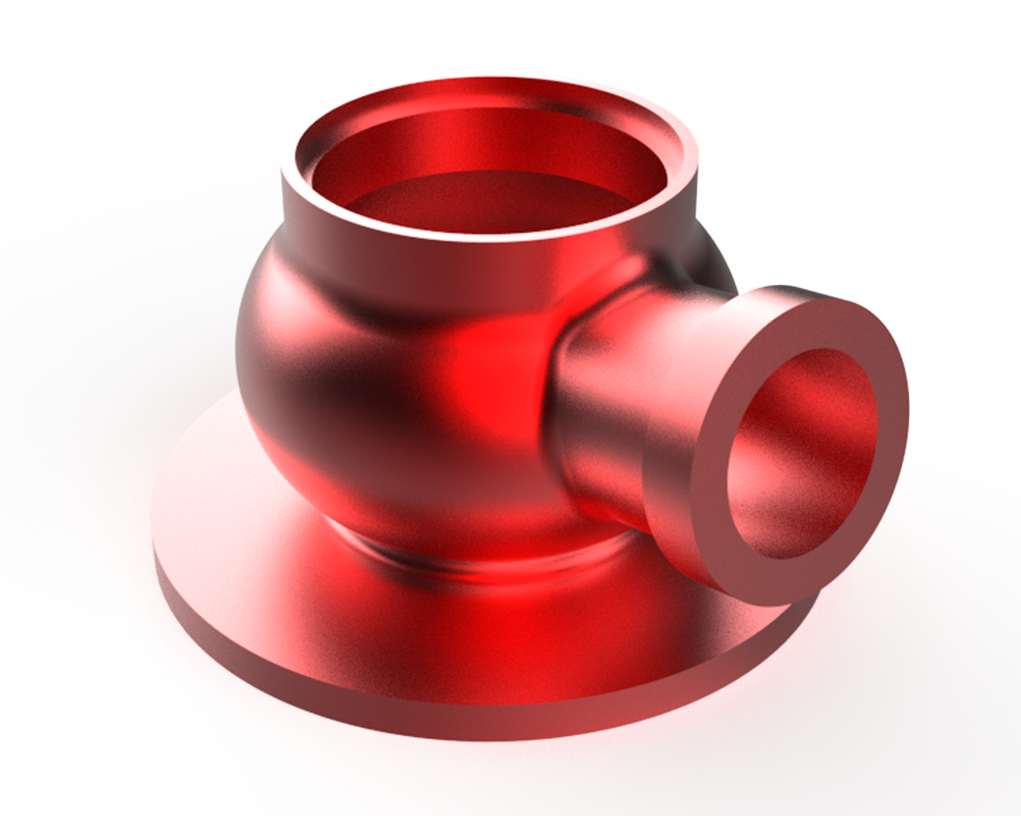
Model a Spherical Flanged Connector, a component designed to allow angular alignment between connected pipes or mechanical assemblies. This exercise helps you practice creating spherical surfaces, flanges, holes, fillets, and precision mating features. It’s ideal for strengthening your skills in modeling advanced piping and mechanical connection components in any CAD software.
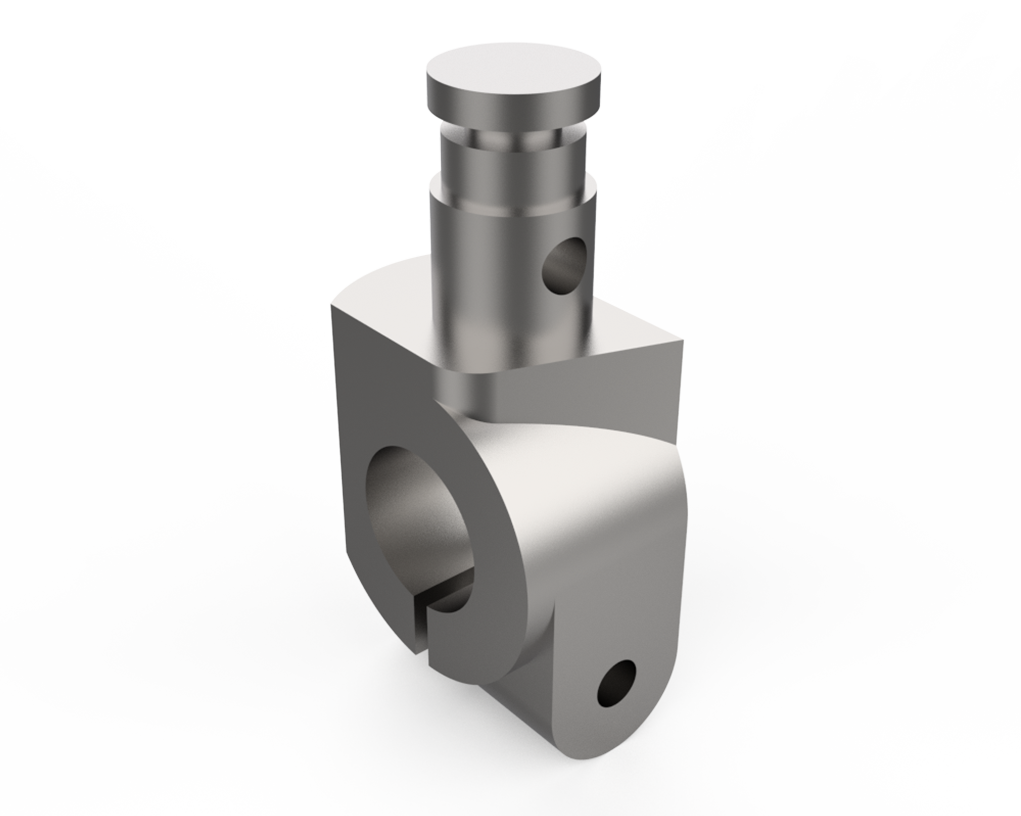
Model a Split Clamp Hinge Bracket, a two-piece clamping component designed to hold cylindrical parts while providing a hinged opening mechanism. This exercise helps you practice creating split bodies, hinge features, precise profiles, holes, and fillets. It’s ideal for strengthening your skills in modeling functional clamping and hinge components in any CAD software.
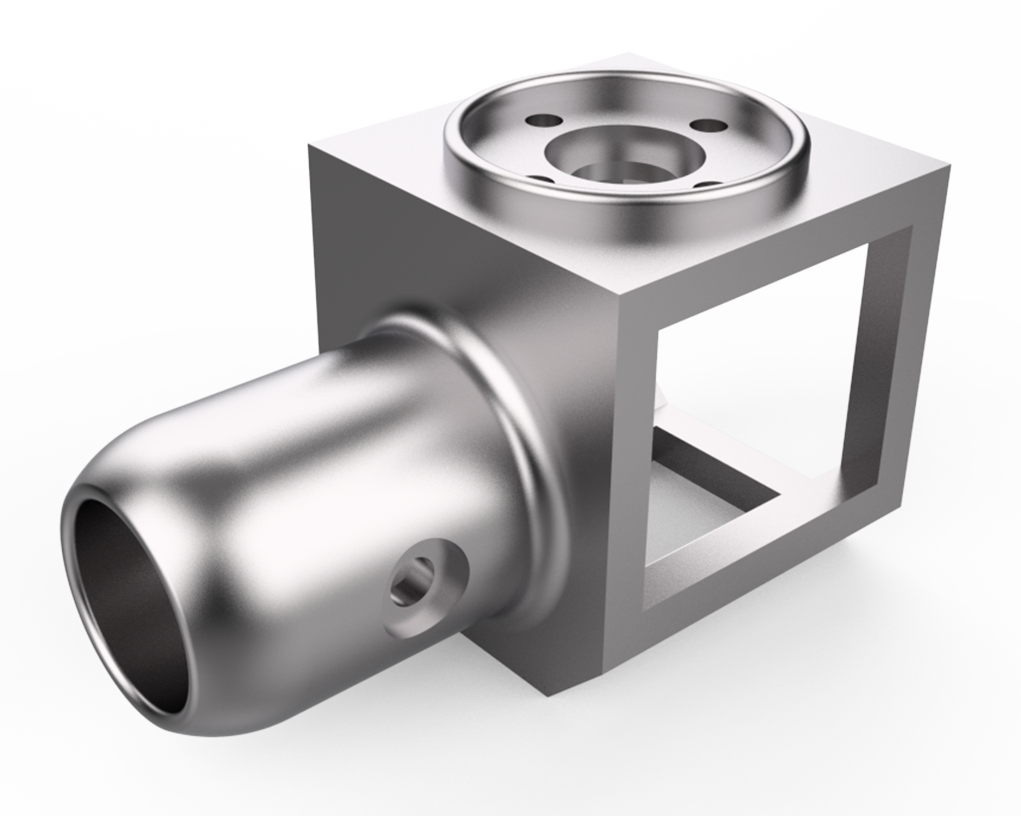
Model a Rotary Shaft Housing Bracket, a structural component designed to support and align a rotating shaft within an assembly. This exercise helps you practice creating cylindrical housings, mounting features, holes, fillets, and precise supporting geometry. It’s ideal for strengthening your skills in modeling functional rotational support components in any CAD software.
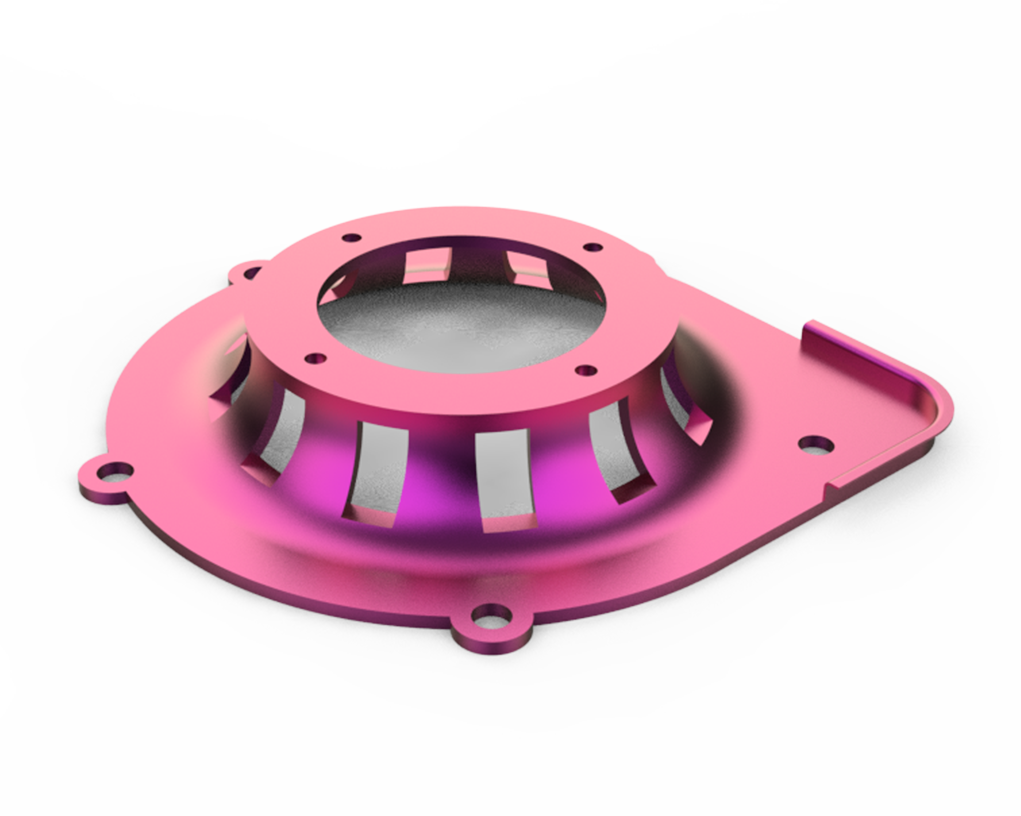
Model a Fan Shroud Mounting Plate, a flat structural component used to secure a fan shroud to a frame or housing. This exercise helps you practice creating precise profiles, holes, slots, fillets, and mounting features. It’s ideal for strengthening your skills in modeling functional sheet-metal and mechanical support components in any CAD software.
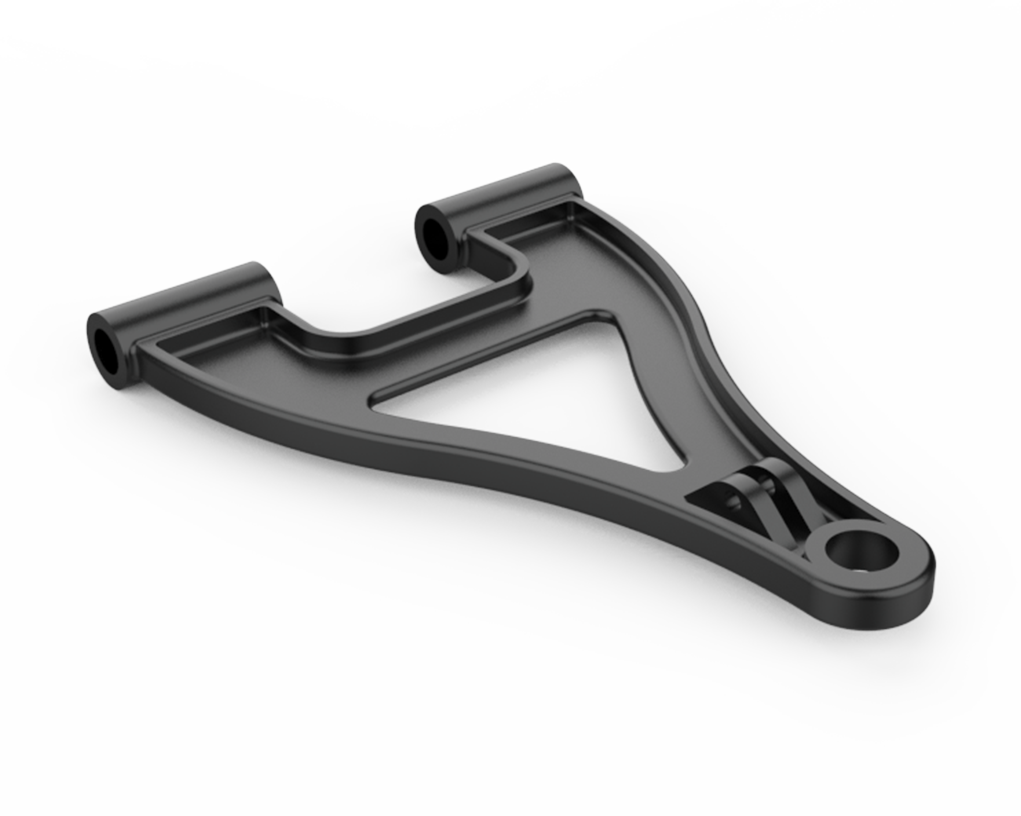
Model an A-Arm Suspension Link, a key structural component used in vehicle suspension systems to control wheel motion and maintain stability. This exercise helps you practice creating angled profiles, cylindrical joints, fillets, and reinforcement features. It’s ideal for strengthening your skills in modeling functional automotive suspension components in any CAD software.
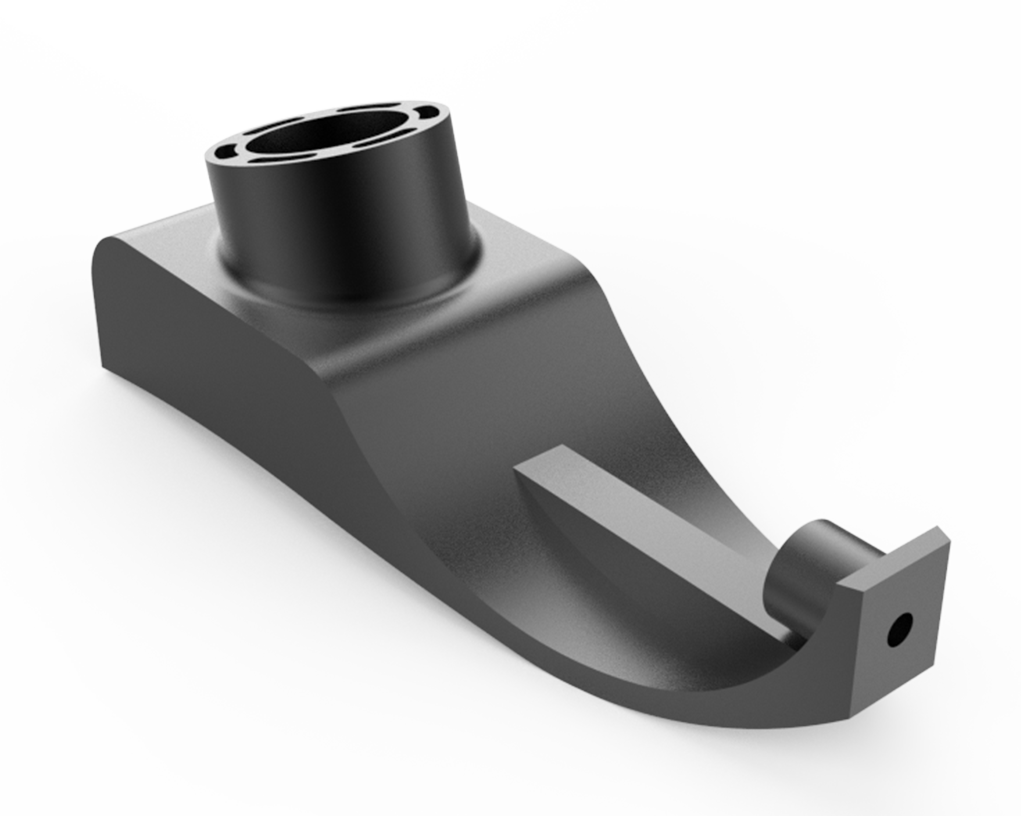
Model a Suspension Steering Knuckle, a critical component that connects the suspension, wheel hub, and steering system in vehicles. This exercise helps you practice creating complex profiles, mounting bosses, tapered holes, fillets, and precision joint features. It’s ideal for strengthening your skills in modeling advanced automotive suspension and steering components in any CAD software.
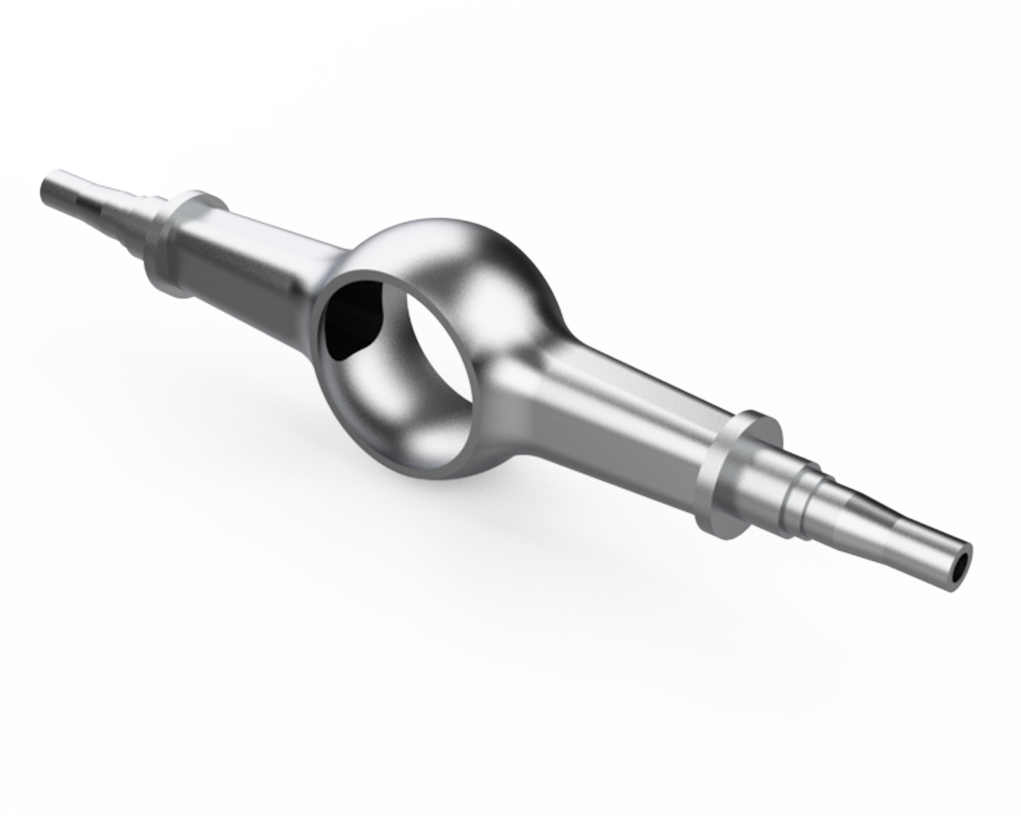
Model an Axle Housing, a structural component that encloses and supports a vehicle’s axle and differential assembly. This exercise helps you practice creating complex profiles, cylindrical housings, fillets, reinforcement features, and mounting points. It’s ideal for strengthening your skills in modeling robust automotive drivetrain components in any CAD software.
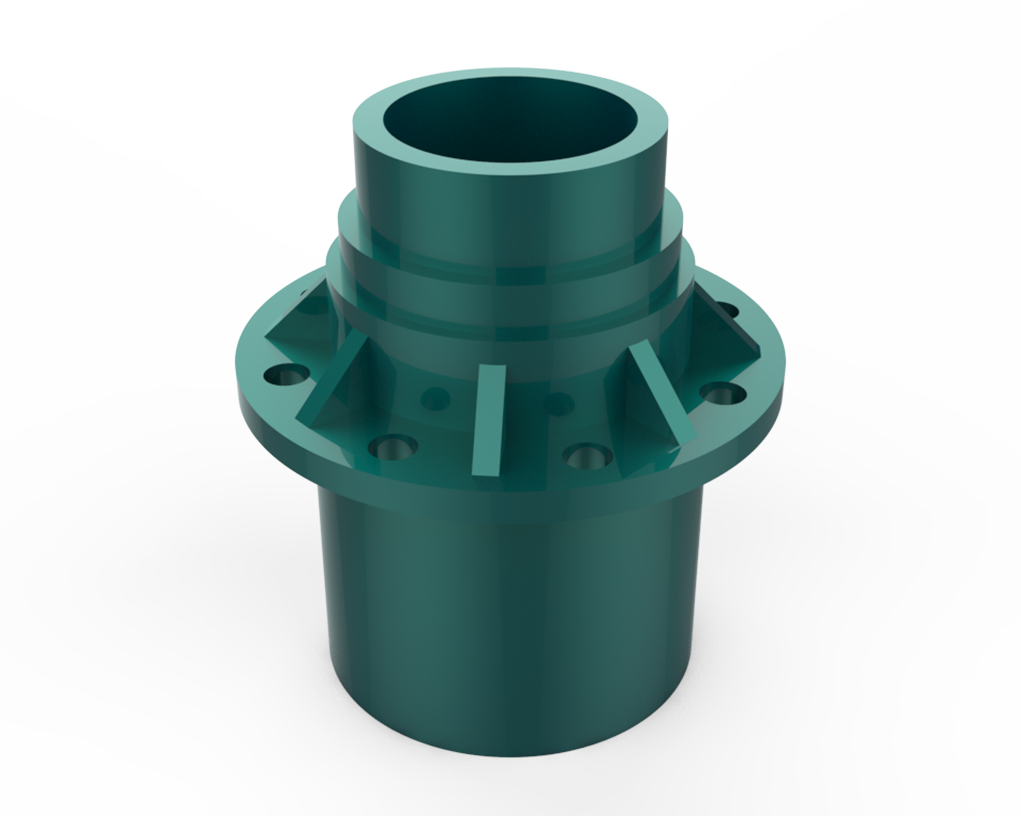
Model a Wheel Hub, a central rotational component that mounts the wheel and connects it to the vehicle’s axle. This exercise helps you practice creating cylindrical features, bolt patterns, fillets, chamfers, and precision mounting geometry. It’s ideal for strengthening your skills in modeling functional automotive and mechanical rotating components in any CAD software.
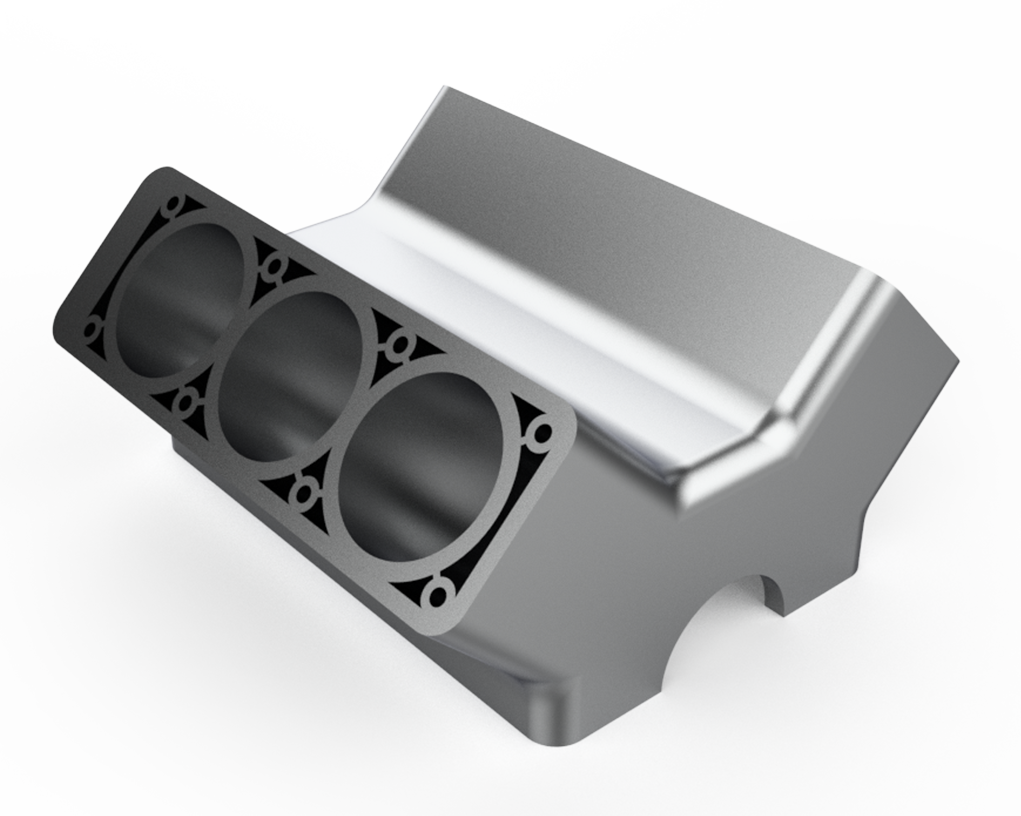
Model a Cylinder Head, a critical engine component that houses combustion chambers, ports, and valve passages. This exercise helps you practice creating complex contours, patterned features, fillets, cooling passages, and mounting geometry. It’s ideal for strengthening your skills in modeling detailed automotive engine components in any CAD software.
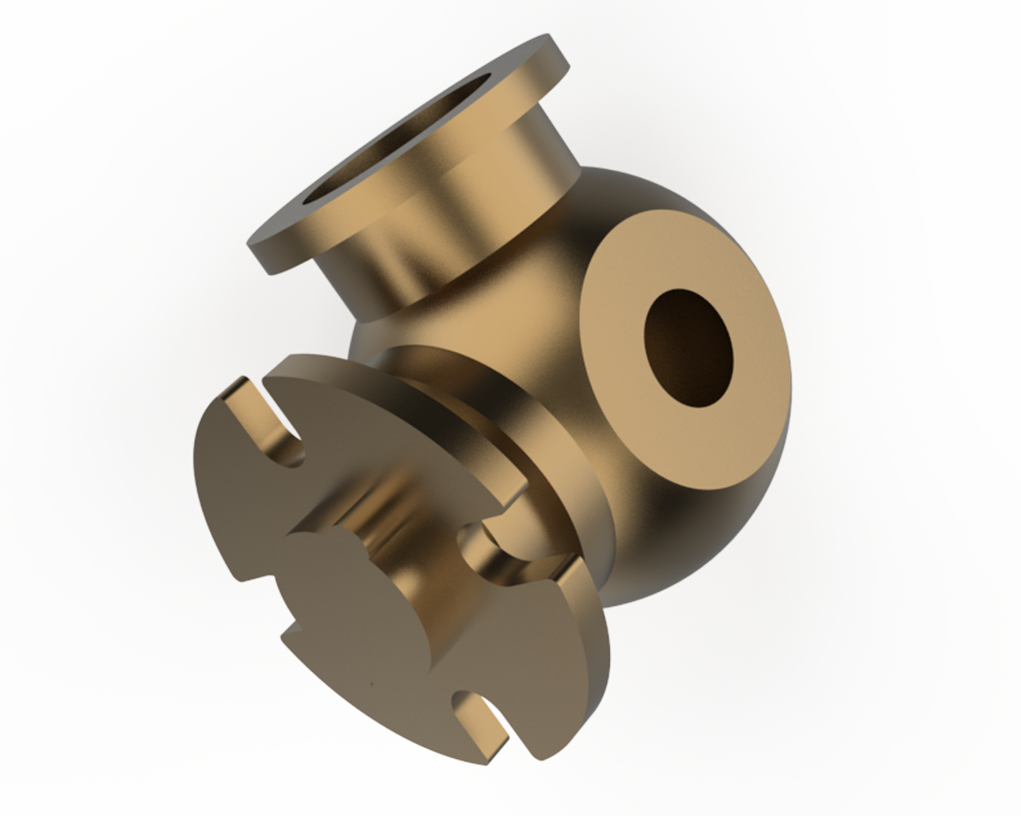
Model a Universal Joint Yoke, a key drivetrain component that connects shafts and allows angular misalignment during rotation. This exercise helps you practice creating forked profiles, cylindrical bores, fillets, and precision joint features. It’s ideal for strengthening your skills in modeling functional rotating and linkage components in any CAD software.
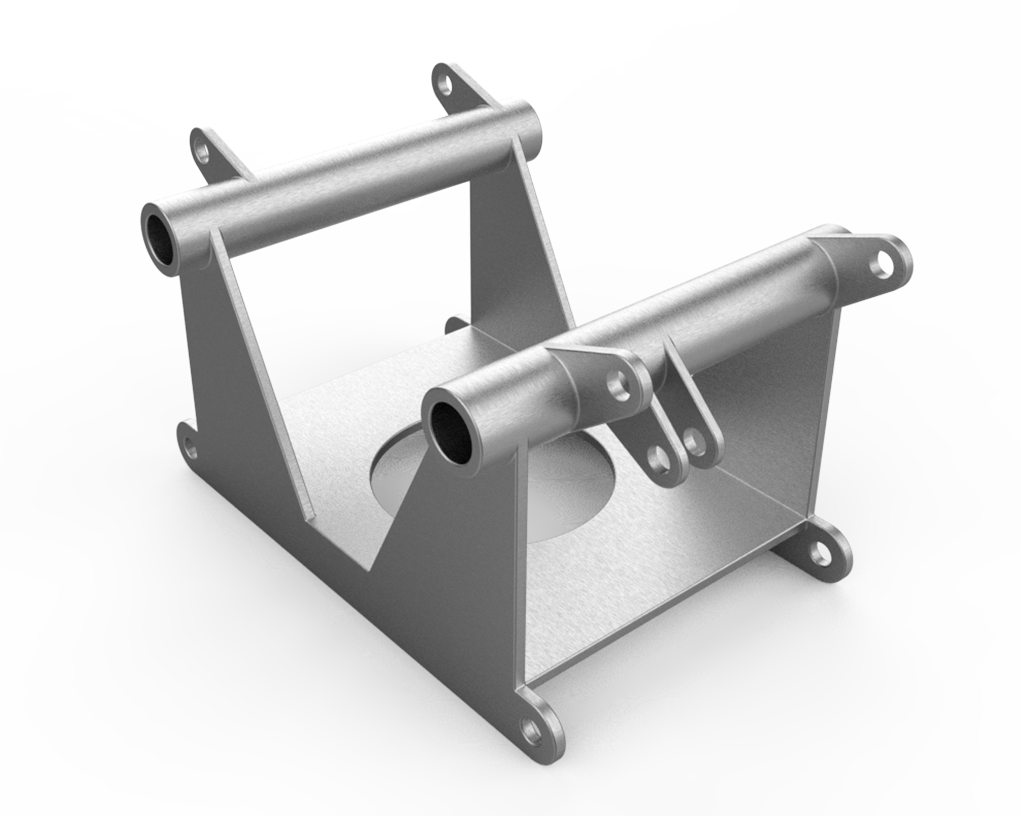
Model a Mounting Frame, a structural component used to support and secure equipment, panels, or assemblies. This exercise helps you practice creating rigid profiles, mounting holes, slots, fillets, and reinforcement features. It’s ideal for strengthening your skills in modeling functional mechanical support structures in any CAD software.
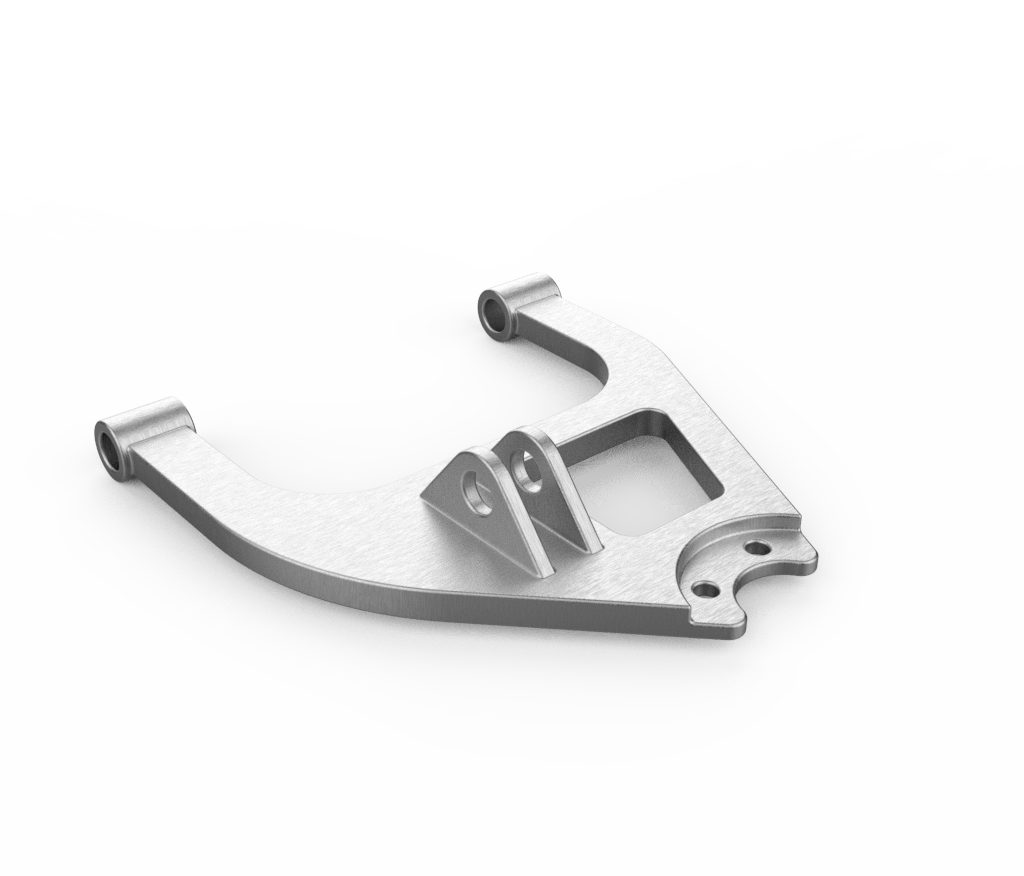
Model a Lower A-Arm, a key suspension component that supports wheel motion and maintains alignment in automotive systems. This exercise helps you practice creating angled profiles, cylindrical joints, fillets, and reinforcement features. It’s ideal for strengthening your skills in modeling functional vehicle suspension components in any CAD software.
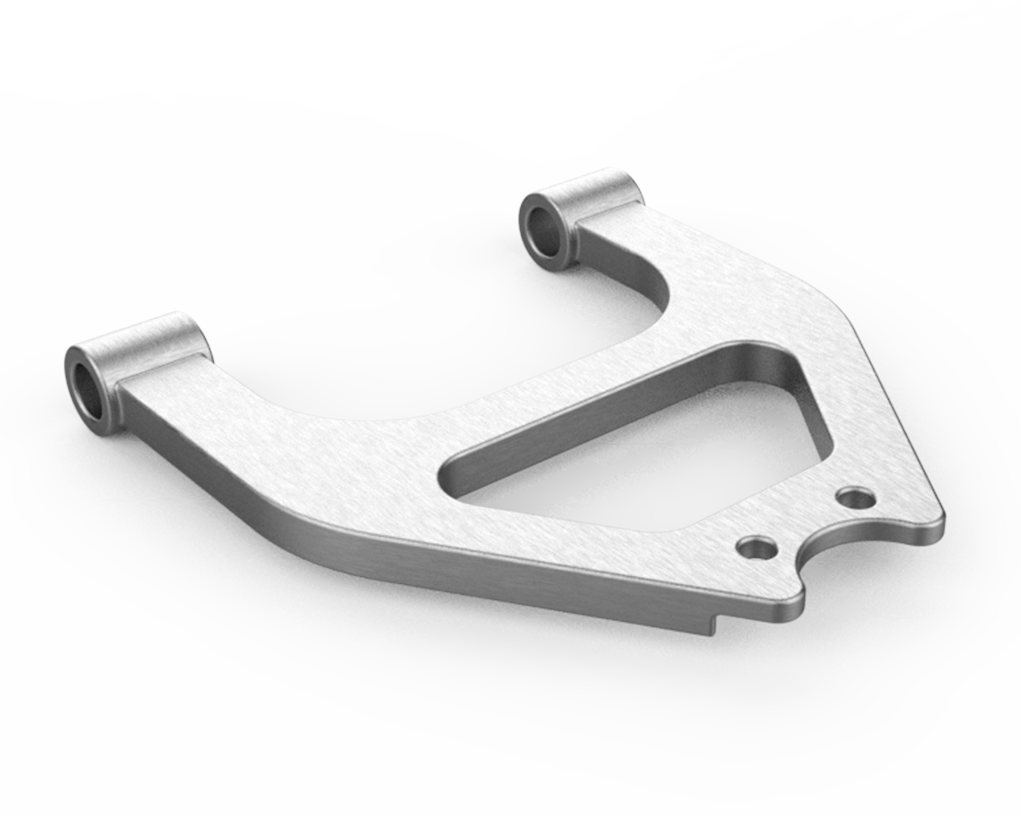
Model an Upper A-Arm, a critical suspension link that helps control wheel alignment and movement in automotive systems. This exercise helps you practice creating angled profiles, cylindrical joints, fillets, and reinforcement features. It’s ideal for strengthening your skills in modeling functional vehicle suspension components in any CAD software.
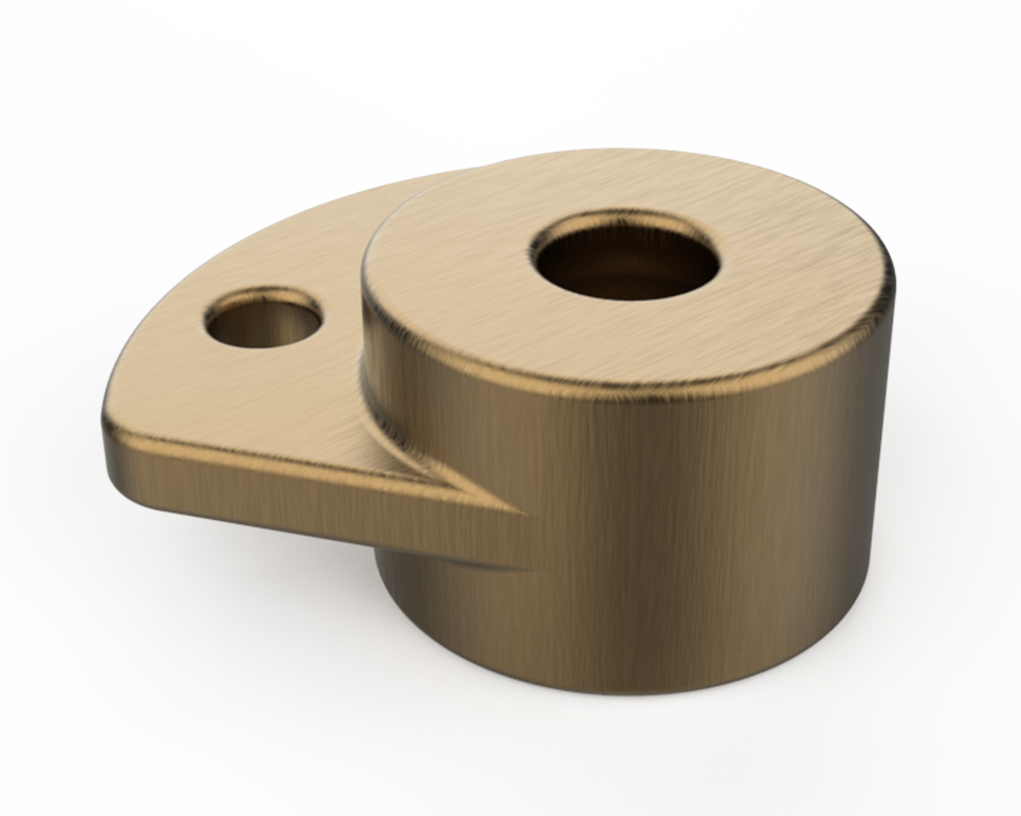
Model a Joint Base, a foundational component designed to support and anchor mechanical joints or linkages. This exercise helps you practice creating precise profiles, mounting holes, fillets, and stable support geometry. It’s ideal for strengthening your skills in modeling functional mechanical base components in any CAD software.
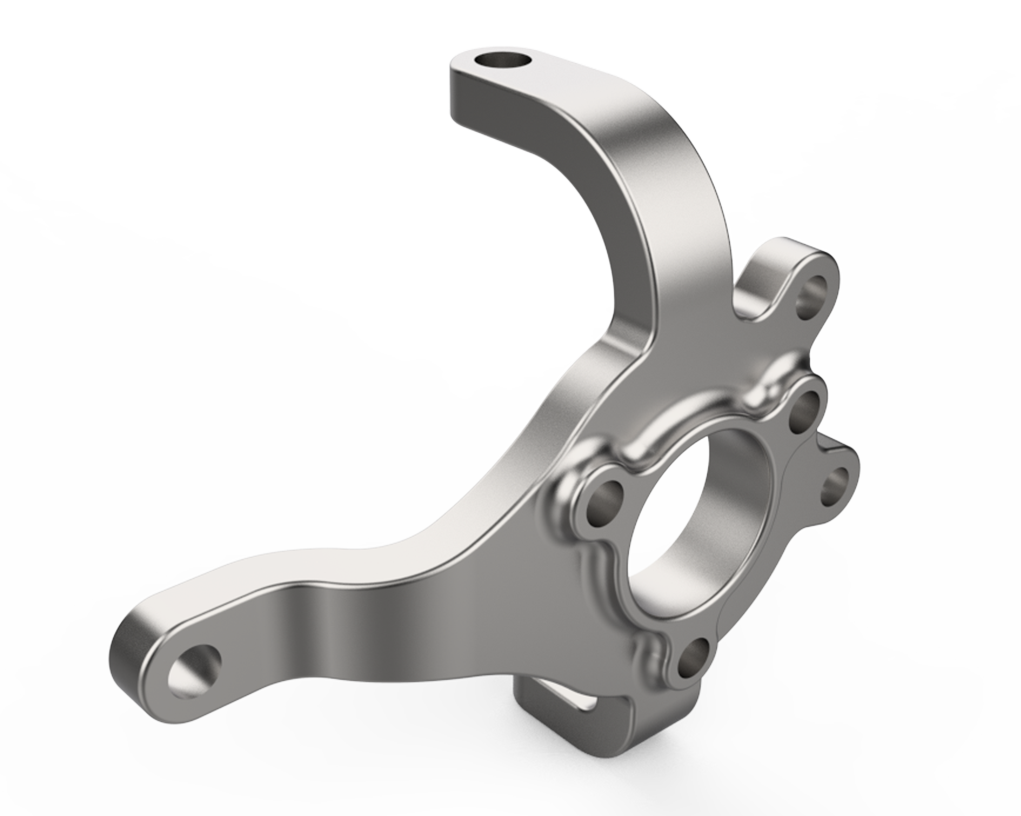
Model a Knuckle, a mechanical linkage component that connects rotating or pivoting parts within a mechanism or suspension system. This exercise helps you practice creating complex profiles, mounting bosses, holes, fillets, and joint features. It’s ideal for strengthening your skills in modeling functional mechanical and automotive linkage components in any CAD software.
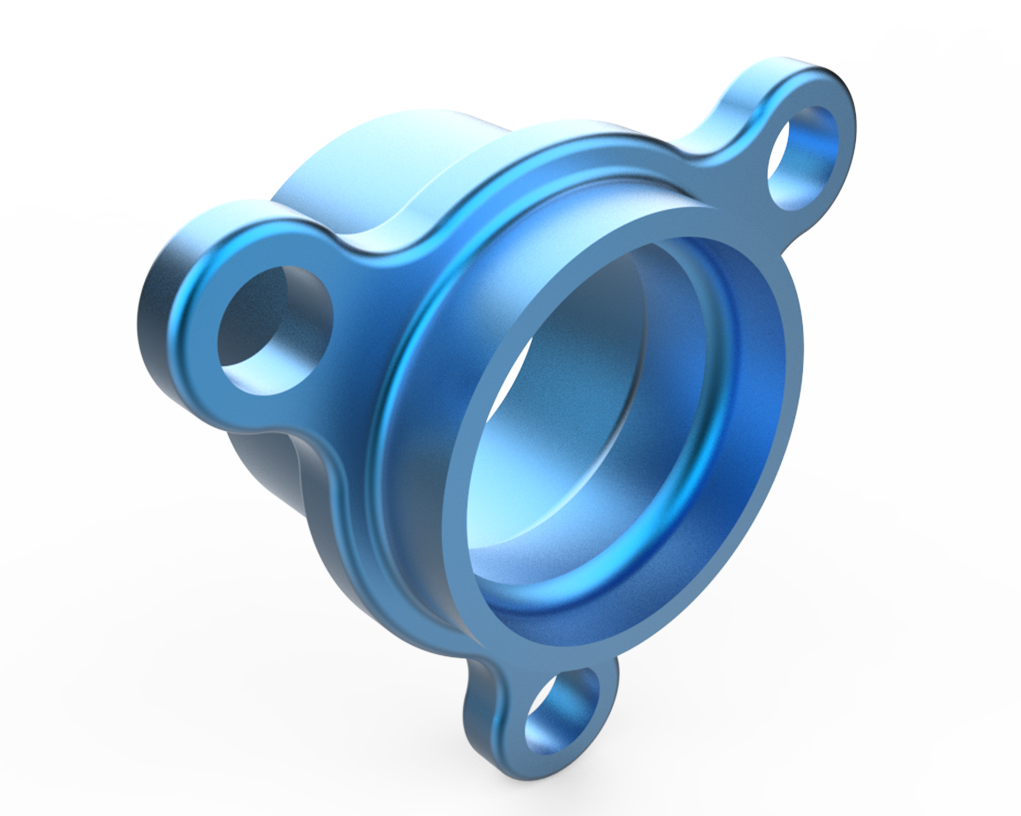
Model a Hub Outer Flanged Ring, a precision component used to secure and align wheel or shaft assemblies with a flanged outer interface. This exercise helps you practice creating cylindrical profiles, bolt patterns, fillets, chamfers, and mounting features. It’s ideal for strengthening your skills in modeling functional rotational and fastening components in any CAD software.
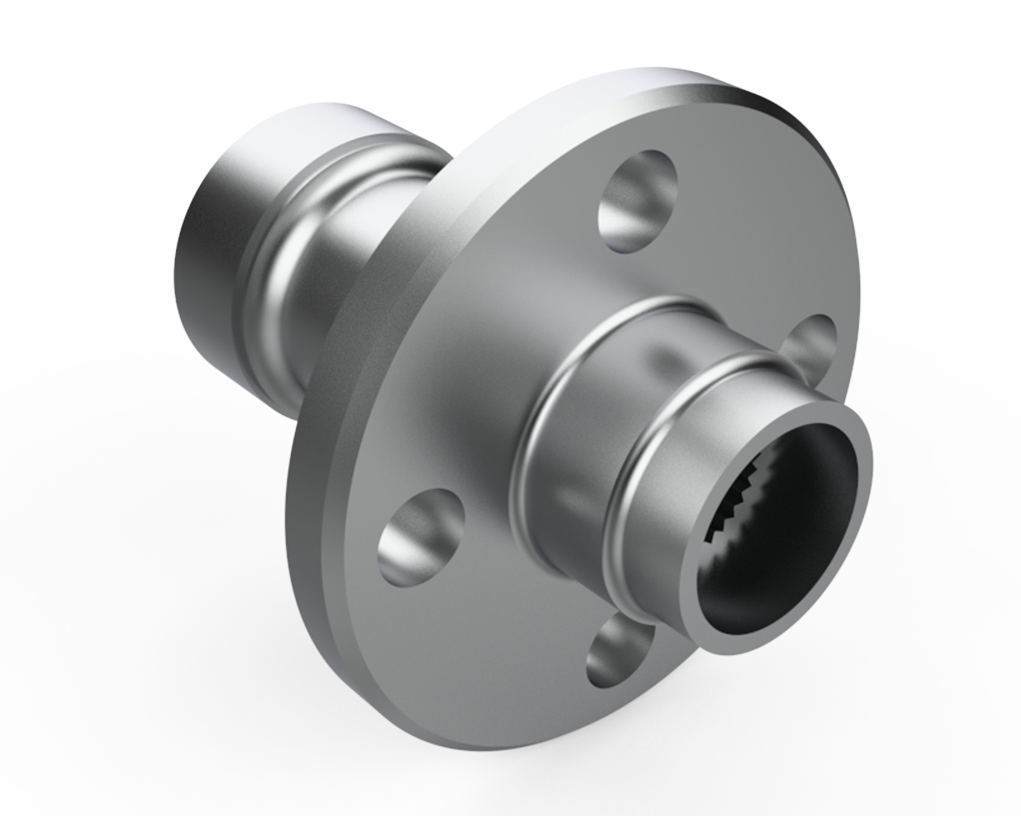
Model a Hub Inner Flanged Ring, a precision component used to support and align shafts or wheel assemblies with an inner flanged interface. This exercise helps you practice creating cylindrical profiles, bolt patterns, fillets, chamfers, and mounting features. It’s ideal for strengthening your skills in modeling functional rotational and fastening components in any CAD software.
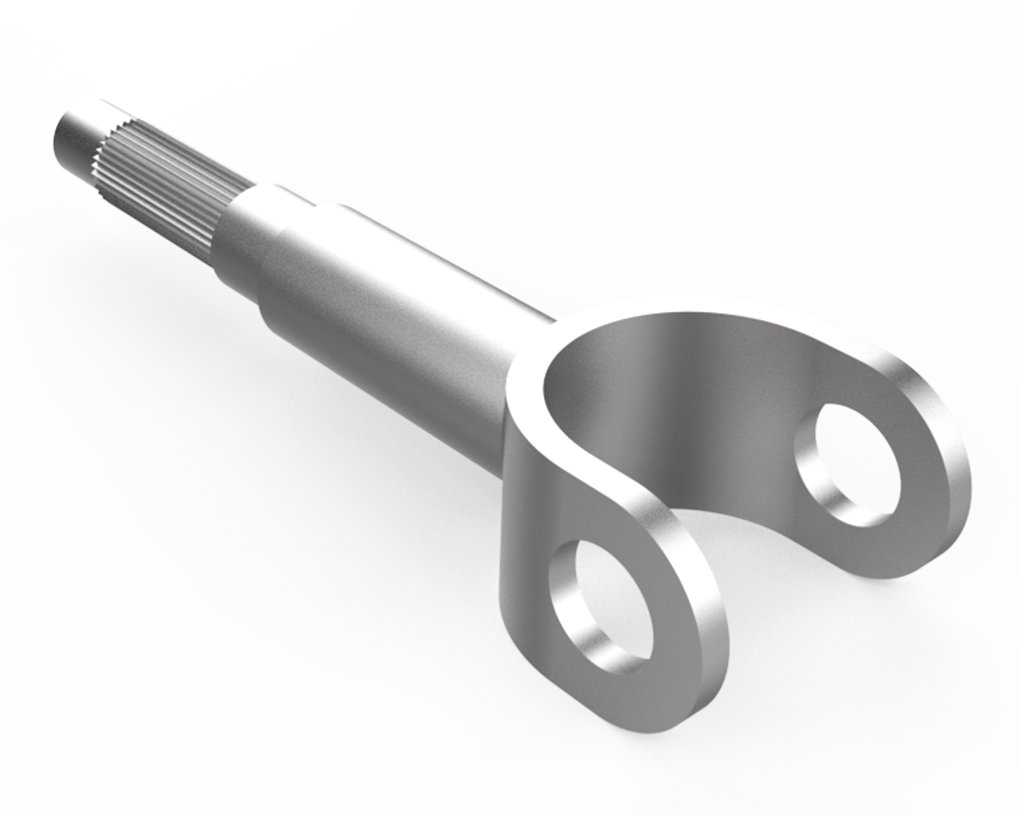
Model a Drive Shaft, a mechanical component used to transmit torque and rotation between shafts in vehicles or machinery. This exercise helps you practice creating cylindrical profiles, splines, fillets, and mounting features. It’s ideal for strengthening your skills in modeling functional rotational drivetrain components in any CAD software.
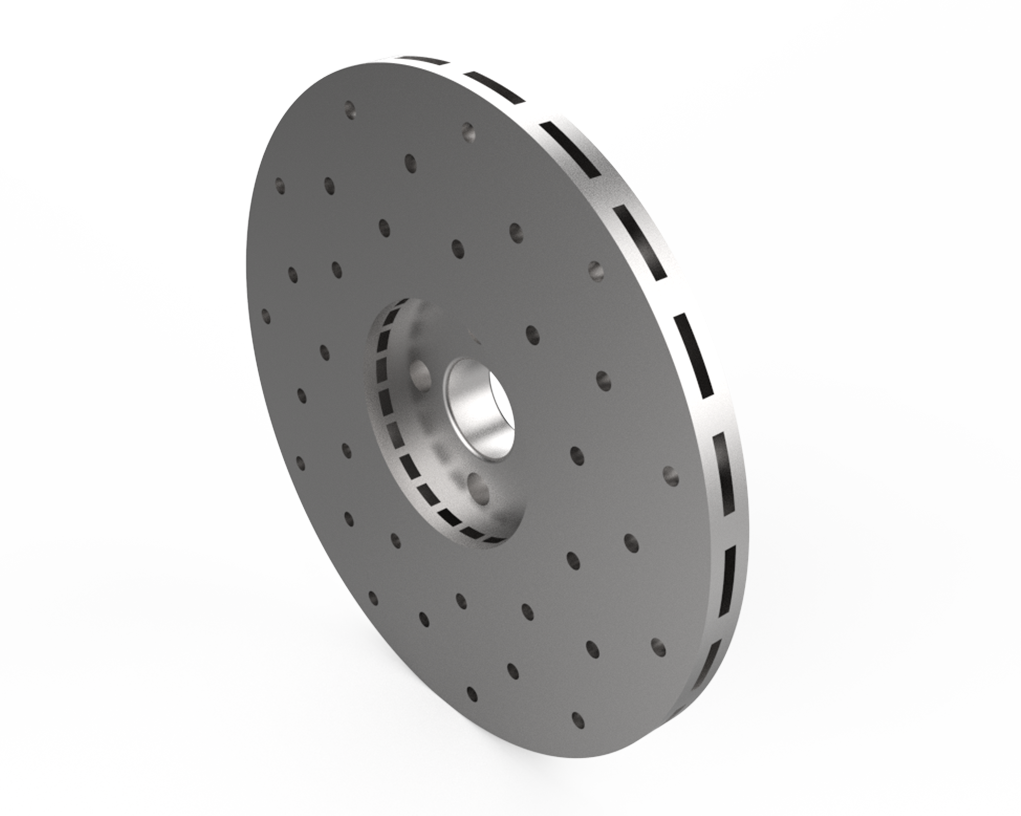
Model a Disc Brake, a critical automotive component used to slow or stop wheel rotation via friction. This exercise helps you practice creating circular profiles, slots, holes, fillets, and mounting features. It’s ideal for strengthening your skills in modeling functional braking system components in any CAD software.
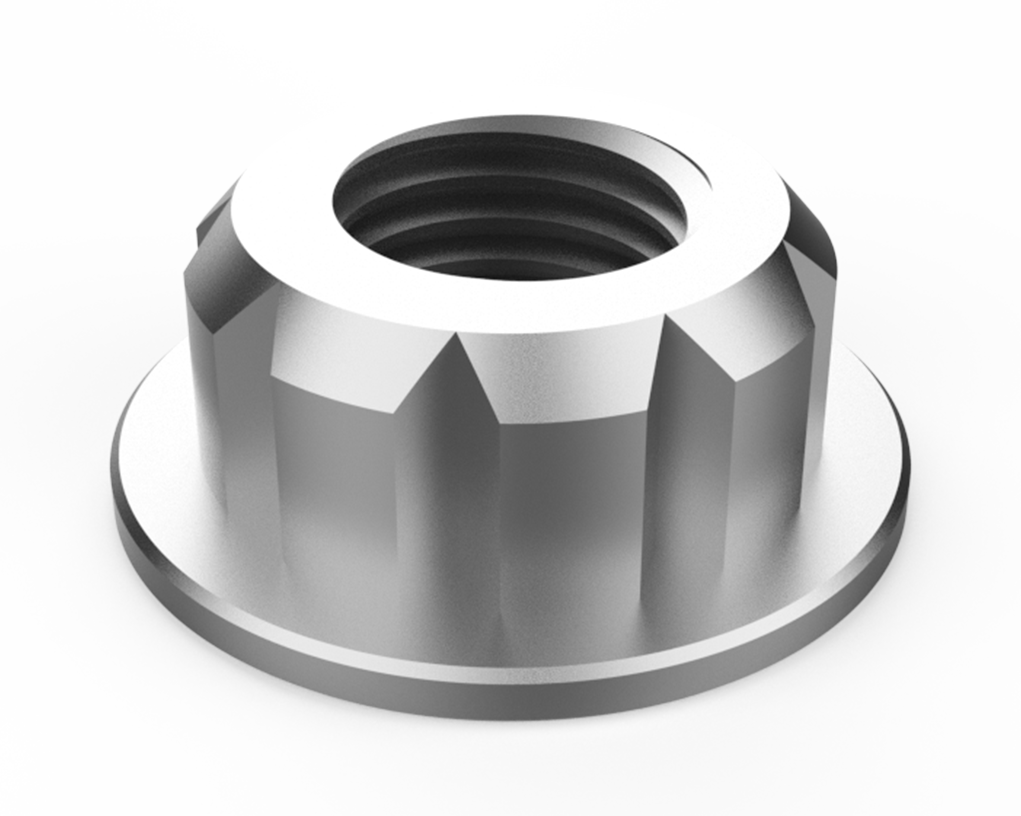
Model an Adjustable Nut, a mechanical fastener designed to allow fine-tuning and secure positioning of assemblies. This exercise helps you practice creating threads, hexagonal profiles, fillets, and precision mating features. It’s ideal for strengthening your skills in modeling functional fastening components in any CAD software.
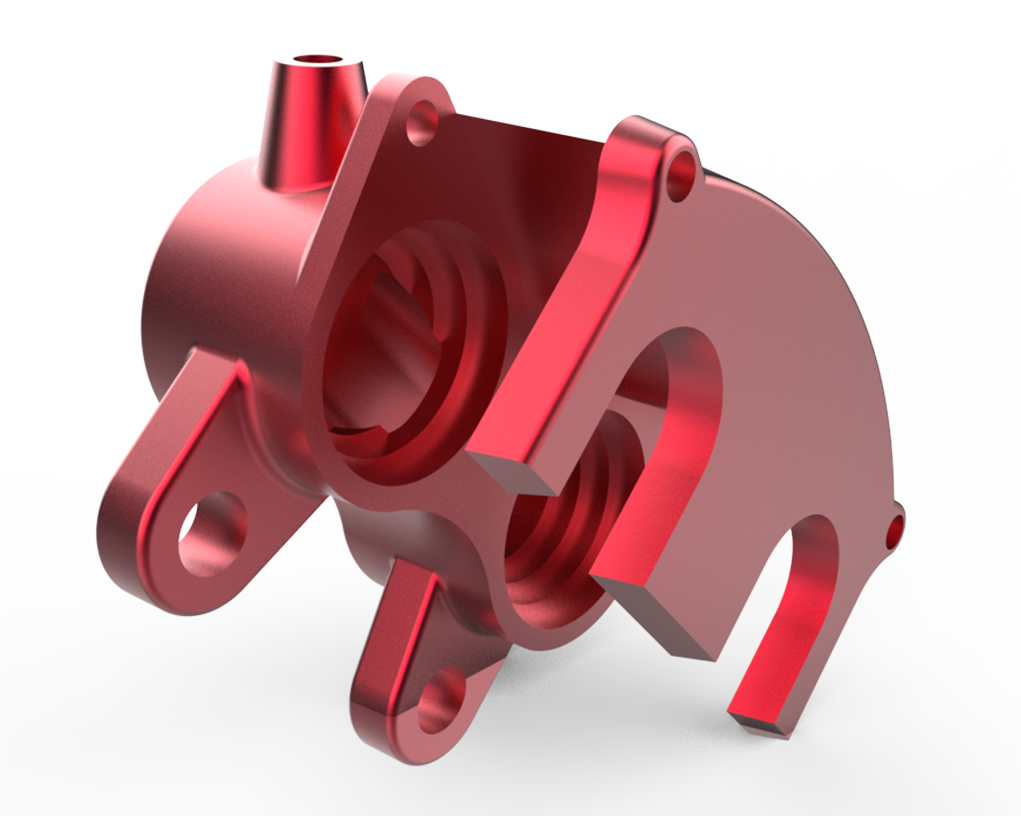
Model a Caliper Body, a key component of a disc brake system that houses pistons and provides clamping force on the brake pads. This exercise helps you practice creating complex profiles, mounting bosses, holes, fillets, and precise assembly features. It’s ideal for strengthening your skills in modeling functional automotive braking components in any CAD software.

Your information will never be shared with any third party