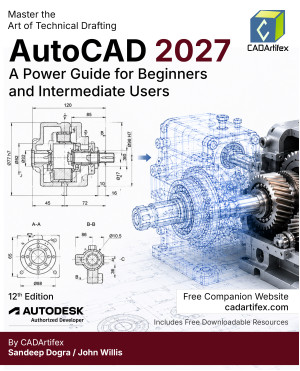
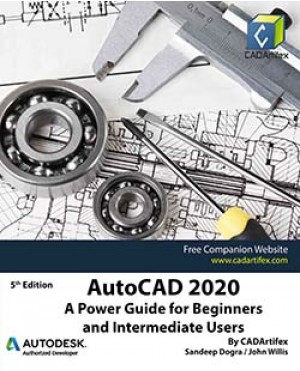
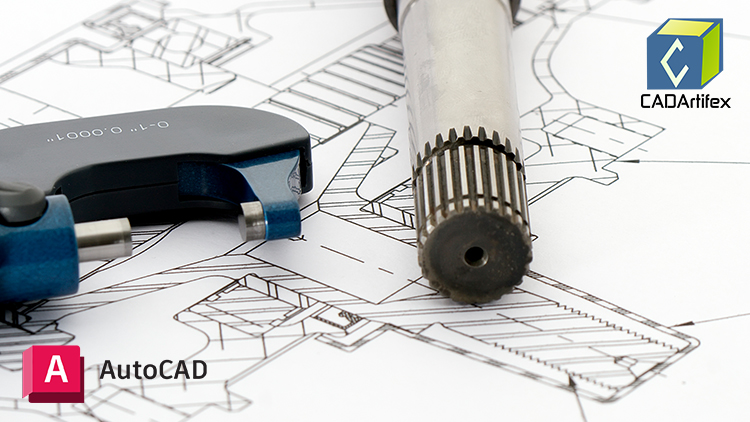
AutoCAD 2027: A Power Guide for Beginners and Intermediate Users is designed for both instructor-led classroom training and self-paced learning. This comprehensive textbook helps engineers, designers, drafters, and CAD operators master AutoCAD for creating professional 2D engineering drawings and 3D models.
Whether you are new to AutoCAD or looking to strengthen your existing skills, this textbook provides a structured learning path that makes understanding AutoCAD easy and effective. It serves as an excellent learning resource for students and professionals, as well as a valuable teaching aid for instructors.
The textbook consists of 13 chapters and 552 pages, covering the major AutoCAD workspaces, including Drafting & Annotation and 3D Modeling. Readers will learn how to create, edit, annotate, plot, and manage real-world engineering drawings while also gaining a solid foundation in 3D modeling techniques.
Unlike many command-focused guides, this textbook emphasizes both the use of AutoCAD tools and commands and the underlying concepts of design and drafting. Each chapter includes step-by-step tutorials that guide users through practical mechanical design and drafting projects. In addition, every chapter concludes with Hands-On Test Drives, allowing readers to reinforce their understanding and further explore AutoCAD’s powerful capabilities.
Who Should Read This Textbook?
This textbook is suitable for:
- Beginners who are learning AutoCAD for the first time
- Intermediate users looking to strengthen their drafting and modeling skills
- Engineers, designers, and CAD professionals
- Students pursuing engineering and design-related courses
- AutoCAD instructors seeking a comprehensive classroom resource
The easy-to-follow approach enables readers to quickly understand AutoCAD tools, commands, and design techniques through practical examples and real-world projects.
Main Features of the Textbook
- Comprehensive coverage of AutoCAD 2027 tools and commands
- Step-by-step real-world tutorials in every chapter
- Hands-On Test Drives to reinforce learning and build confidence
- Practical notes, tips, and best practices throughout the book
- Faculty resources, including customizable PowerPoint presentations
- Free learning resources for students and instructors
- Additional projects for extended practice
- Technical support by contacting: [email protected]
Contents at a Glance
Chapter 1: Introduction to AutoCAD
Chapter 2: Creating Drawings – I
Chapter 3: Working with Drawing Aids and Layers
Chapter 4: Creating Drawings – II
Chapter 5: Modifying and Editing Drawings – I
Chapter 6: Working with Dimensions and Dimension Styles
Chapter 7: Editing Dimensions and Adding Text
Chapter 8: Modifying and Editing Drawings – II
Chapter 9: Hatching and Gradients
Chapter 10: Working with Blocks and Xrefs
Chapter 11: Working with Layouts
Chapter 12: Printing and Plotting
Chapter 13: Introducing 3D Basics and Creating 3D Models
Start your AutoCAD journey today and develop the skills needed to create professional-quality engineering drawings and 3D models with confidence.