Contents at a Glance
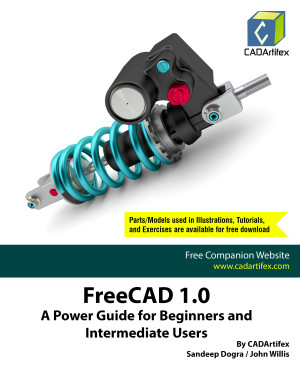
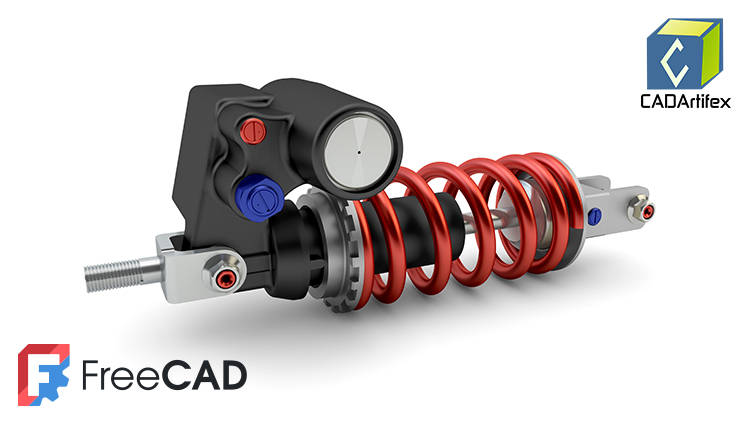
Chapter 1. Introduction to FreeCAD
Chapter 2. Creating and Editing Sketches with FreeCAD
Chapter 3. Creating Base Feature of a 3D Solid Model
Chapter 4. Creating Datum Geometries
Chapter 5. Creating Pocket and Groove Features
Chapter 6. Creating Pipe, Loft, and Helix Features
Chapter 7. Mirroring and Patterning Features
Chapter 8. Creating Holes and Dress-up Features
Chapter 9. Creating Assemblies
Chapter 10. Creating 2D Drawings
Key Features:
- Comprehensive Tool Coverage: In-depth exploration of FreeCAD’s tools.
- Step-by-Step Tutorials: Real-world projects and detailed instructions.
- Hands-On Test Drives: Exercises at the end of each chapter to reinforce learning.
- Additional Tips and Notes: Useful insights and shortcuts for efficient design.
- Customized Faculty Content: PowerPoint presentations and additional projects.
- Free Resources: Access to downloadable materials for both students and faculty.
- Technical Support: Direct support for users via email ([email protected]).