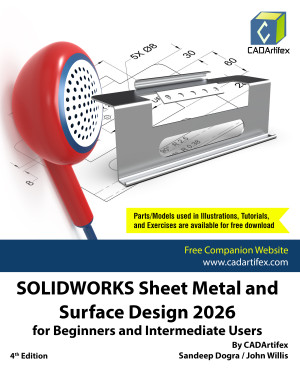
SOLIDWORKS Sheet Metal and Surface Design 2026 for Beginners and Intermediate Users is a comprehensive, project-oriented textbook designed for both instructor-led classroom training and self-paced learning.
This book helps engineers, designers, students, and instructors master the Sheet Metal and Surface Modeling environments of SOLIDWORKS. It focuses on developing strong design fundamentals while teaching the creation of parametric 3D sheet metal components and complex surface models used in real-world engineering applications.
With 224 carefully structured pages, the textbook ensures a smooth learning curve from foundational concepts to advanced modeling techniques.
What You Will Learn
This textbook provides a structured and practical approach to mastering Sheet Metal and Surface Design. By the end of this book, you will be able to:
- Understand sheet metal design fundamentals, including K-Factor, Bend Allowance, Bend Deduction, and industry-standard workflows
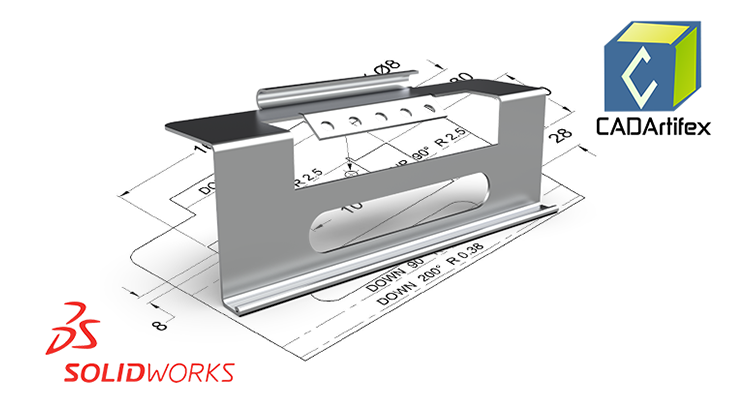
- Create sheet metal components using Base Flange, Edge Flange, Hems, Jogs, and various bend features
- Generate and manage flat patterns while considering real-world manufacturing requirements
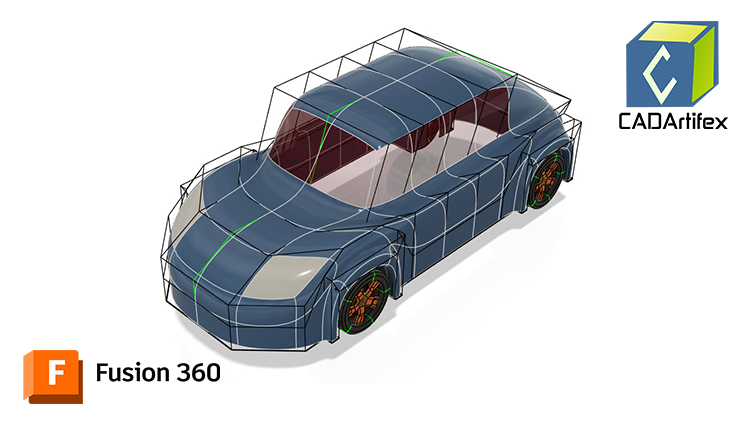
- Apply advanced surface modeling techniques to create complex geometries
- Create and modify Lofted, Boundary, and Filled Surfaces for smooth transitions and controlled surface behavior
- Convert surface models into fully functional solid models ready for downstream operations
- Develop strong design intent strategies and apply parametric modeling principles for efficient model modifications
Each chapter combines:
- Clear theory explanations
- Step-by-step tutorials
- Real-world design exercises
- Hands-on Test Drives for skill reinforcement
Who Should Read This Book?
This textbook is ideal for:
- Beginners starting their journey with SOLIDWORKS Sheet Metal & Surface Design
- Intermediate and advanced users seeking structured skill enhancement
- Faculty members and SOLIDWORKS instructors conducting classroom training
The logically organized chapters simplify complex sheet metal and surface modeling concepts while building a strong foundation in both design principles and software workflows.
Interactive Learning Support
Key tutorial steps are accompanied by QR codes that link to video demonstrations, helping users through challenging stages of the learning process.
Downloadable Resources
Students and faculty can download all models, parts, tutorials, and hands-on exercises used throughout the textbook, providing access to practical resources for deeper learning.
Main Features of the Textbook
- Comprehensive coverage of tools
- Step-by-step real-world tutorials with every chapter
- Hands-on test drives to enhance the skills at the end of every chapter
- Additional notes and tips
- Customized content for faculty (PowerPoint Presentations)
- Free learning resources for faculty and students
- Additional student and faculty projects
- Technical support for the book by contacting [email protected]
Why This Book?
This textbook goes beyond button-click training. It emphasizes:
- Design thinking
- Parametric modeling strategy
- Real-world mechanical design workflows
- Industry-ready sheet metal and surface modeling skills
It provides all the tools and techniques required to master SOLIDWORKS Sheet Metal and Surface Design, making it suitable for beginners, intermediate learners, instructors, and even seasoned professionals who want structured mastery of advanced modeling techniques.